
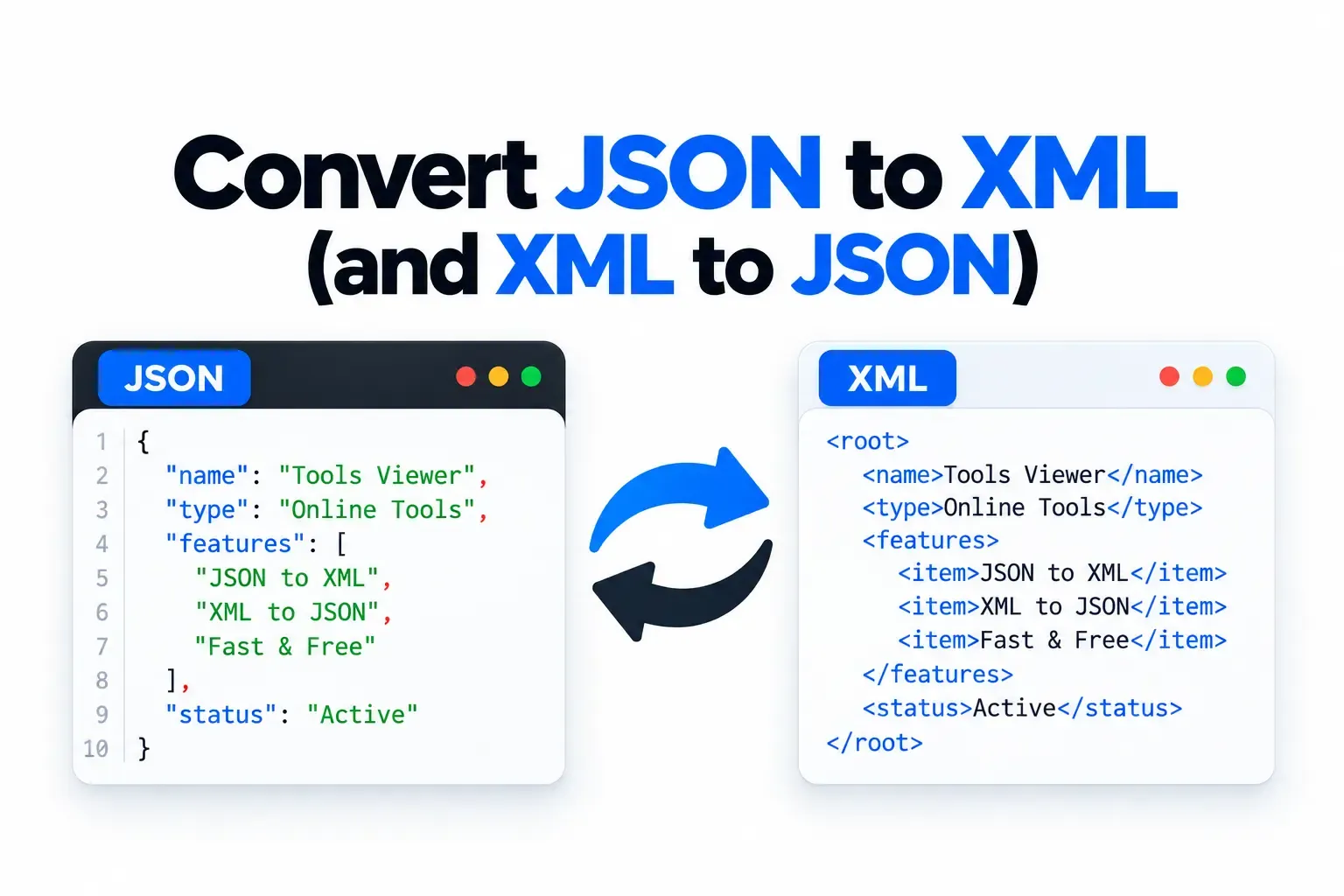
Working with structured data often means dealing with different formats for different applications. JSON is widely used in modern web applications and APIs, while XML remains common in enterprise systems, configuration files, feeds, SOAP services, and legacy applications. When two systems use different formats, converting data between them becomes an important part of the development workflow.
If you need to convert JSON to XML, an online converter can save time by transforming your data without requiring a local script or development environment. The same is true when you need to convert XML back into JSON for use with a modern application or API.
In this guide, we will explain how JSON and XML differ, how JSON to XML converter tools work, how to handle XML to JSON conversion, and what to check before using converted data in a production environment.
What Is JSON?
JSON, or JavaScript Object Notation, is a lightweight text-based format used to represent structured data. Although its name comes from JavaScript, JSON is language-independent and is supported by most modern programming languages.
A simple JSON object might look like this:
{
  "name": "John",
  "email": "john@example.com",
  "age": 30
}
JSON uses objects, arrays, key-value pairs, strings, numbers, Boolean values, and null values to represent information. Its relatively compact structure makes it popular for APIs, web applications, mobile applications, and data exchange.
One of the biggest advantages of JSON is that it is easy for both humans and software to read. Developers can quickly work with JSON using JavaScript, PHP, Python, Java, C#, and many other programming languages.
What Is XML?
XML stands for Extensible Markup Language. It uses tags and attributes to represent structured information.
For example, the same basic information in XML could look like this:
<person>
<name>John</name>
<email>john@example.com</email>
<age>30</age>
</person>
Unlike JSON, XML uses opening and closing tags to define elements. XML can also include attributes, namespaces, declarations, comments, and other features that are useful for complex document structures.
XML is still widely used in enterprise applications, SOAP web services, configuration files, RSS feeds, document formats, and systems that were designed before JSON became dominant for web APIs.
Why Convert JSON to XML?
There are many situations where you may need to convert JSON to XML. The most common reason is compatibility between systems that use different data formats.
For example, a modern web application may receive data from a JSON-based API, while an older enterprise application may require XML. Instead of manually rewriting the data, you can use a json to xml converter to transform the structure.
Common reasons for conversion include:
- Connecting modern applications with legacy systems
- Working with SOAP-based services
- Converting API responses between formats
- Preparing data for XML-based applications
- Creating XML configuration or feed files
- Migrating structured data
- Testing data transformation workflows
Conversion can be especially useful when you need to move information between different technologies without changing the original data manually.
How to Convert JSON to XML Online
Using an online json to xml converter is usually straightforward. The exact interface depends on the tool, but the general process is similar.
Step 1: Prepare Your JSON
Start with valid JSON data. For example:
{
  "product": {
    "name": "Laptop",
    "price": 799,
    "available": true
  }
}
Before converting, make sure the JSON is correctly structured. Invalid JSON may produce an error or an unexpected result.
Step 2: Open a JSON to XML Converter
Open a browser-based conversion tool that supports JSON and XML. An online converter allows you to work directly in your browser without installing a programming library or command-line utility.
Step 3: Enter Your JSON
Paste your JSON into the input field. Some tools may also allow you to upload a JSON file.
Step 4: Run the Conversion
Select the JSON-to-XML conversion option and run the converter. The tool processes the JSON structure and generates an XML representation.
The result may look similar to:
<product>
  <name>Laptop</name>
  <price>799</price>
  <available>true</available>
</product>
Step 5: Review the XML
Always review the converted result before using it in another system. JSON and XML do not represent data in exactly the same way, so some structures may require adjustments.
You should pay particular attention to arrays, attributes, nested objects, empty values, and data types.
Understanding JSON to XML Conversion
The conversion json xml process is not simply a matter of replacing curly brackets with XML tags. The two formats have different ways of representing structured information.
For example, JSON can represent an array like this:
{
  "colors": [
    "red",
    "blue",
    "green"
  ]
}
An XML representation might use repeated elements:
<colors>
<color>red</color>
<color>blue</color>
<color>green</color>
</colors>
The exact output depends on the conversion rules used by the converter.
This is why you should not assume that every JSON structure has one universally correct XML representation. Different applications may use different conventions for arrays, attributes, root elements, and repeated values.
How to Convert XML to JSON
The reverse process is also common. If an application provides XML but your project expects JSON, you may need to convert XML to JSON.
For example, this XML:
<person>
  <name>John</name>
  <age>30</age>
</person>
could be represented in JSON as:
{
  "person": {
    "name": "John",
    "age": 30
  }
}
To perform an XML to JSON conversion online, paste or upload your XML into a compatible converter, select XML-to-JSON conversion, and generate the JSON output.
After conversion, inspect the resulting object carefully. XML attributes and namespaces may require special handling depending on how the converter maps them into JSON.
JSON to XML vs XML to JSON
Although both conversions involve the same two formats, they can serve different development requirements.
JSON to XML is commonly used when a JSON-based application needs to communicate with an XML-based service. It can also be useful when generating XML documents, feeds, or configuration files from application data.
XML to JSON is useful when you receive XML data from an external system but need to process it using a JSON-based application, API, or JavaScript workflow.
The right direction depends on which format your destination system expects.
JSON XML Online Conversion
Using json xml online tools can be useful when you need a quick transformation and do not want to write custom code for a one-time conversion.
For example, a developer may receive a JSON response from an API and need to inspect what the equivalent XML structure would look like. Instead of writing a conversion script, an online tool can provide a quick result.
Online conversion can also be useful for:
- Testing API structures
- Debugging data formats
- Creating sample XML
- Comparing JSON and XML structures
- Preparing development examples
- Checking migration data
For sensitive or confidential information, however, always check how an online service processes submitted data before using it.
Important Things to Check After Conversion
A successful conversion does not always mean the resulting document is ready for production. Always review the output before sending it to another application.
Check Arrays
Arrays are represented differently in JSON and XML. Make sure repeated XML elements match what the receiving application expects.
Check Attributes
XML supports attributes, while JSON uses objects and key-value pairs. A converter may use a specific convention for representing XML attributes in JSON.
Check Root Elements
XML documents generally require a single root element. Make sure the generated XML has the correct root structure for your application.
Check Data Types
JSON distinguishes between strings, numbers, Booleans, and null values. XML primarily stores textual content, so type information may need additional handling.
For example:
{
  "active": true,
  "count": 10
}
may become:
<active>true</active>
<count>10</count>
The receiving application may need to interpret those values correctly.
Check Special Characters
Characters such as &, <, and > have special meanings in XML. Proper escaping is important when converting text containing these characters.
Check Namespaces
Enterprise XML documents may use namespaces. If your destination system requires a specific namespace structure, verify the generated XML before using it.
When Should You Use an Online Converter?
An online converter is particularly useful for quick, small, or one-time transformations. It can be much faster than setting up a programming environment when you simply need to transform a sample dataset.
Developers can use a json to xml converter for testing. Students can use it to understand the differences between JSON and XML. Content teams can use it to prepare structured examples, while system administrators can use it to inspect data exchanged between different platforms.
For large-scale automated processing, however, a dedicated application library or server-side conversion workflow may be more appropriate.
Benefits of Converting JSON and XML Online
Online conversion tools offer several practical advantages.
First, they are accessible from almost any modern browser. You do not need to install additional software just to convert a small piece of data.
Second, they can save development time when you need a quick transformation. Instead of writing a custom script for a simple task, you can paste the data and review the result immediately.
Third, they are useful for learning. Seeing the same data represented as JSON and XML can help beginners understand how objects, arrays, elements, and attributes differ between the formats.
Final Thoughts
Knowing how to convert JSON to XML is useful when working with APIs, enterprise applications, legacy systems, SOAP services, feeds, and other technologies that rely on different data formats.
A json to xml converter can quickly transform JSON into an XML representation, while an XML to JSON converter can help bring XML-based data into modern JSON workflows. The conversion json xml process can save time, especially when you are working with sample data or performing a one-time transformation.
Whether you need json xml online conversion for testing, debugging, development, or data migration, always review the generated result carefully. Pay special attention to arrays, attributes, namespaces, root elements, special characters, and data types.
With the right conversion workflow, moving structured information between JSON and XML can be much easier while keeping your development process faster and more efficient.
Working with XML instead? Try XML Formatter. Browse more utilities on all tools.