


Free Online Web Tools for Developers — No Signup, 100% Private
ToolsViewer is home to free online web tools and free browser tools no signup - nothing installed, nothing uploaded. Built for students, creators, and developers who just want to get the job done.
- Runs in your browser
- No signup
- Free
What Is ToolsViewer?
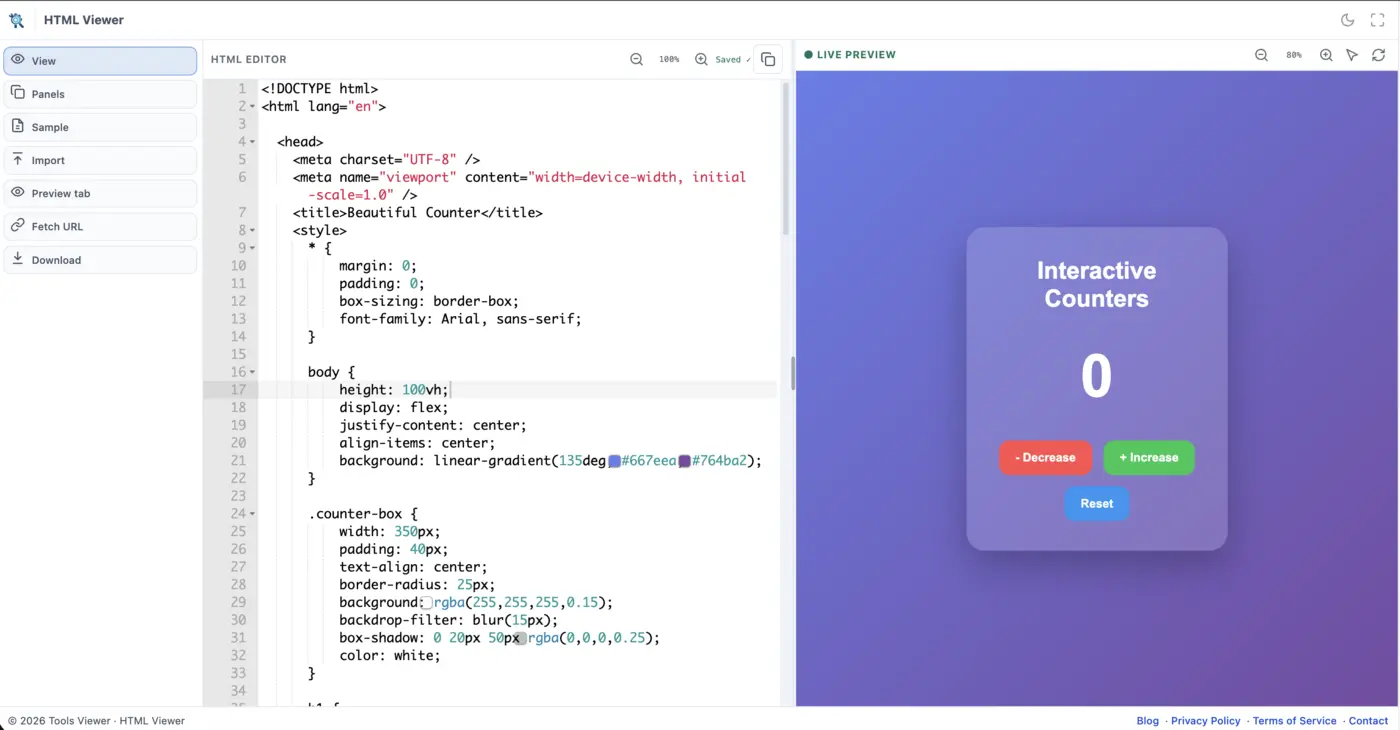
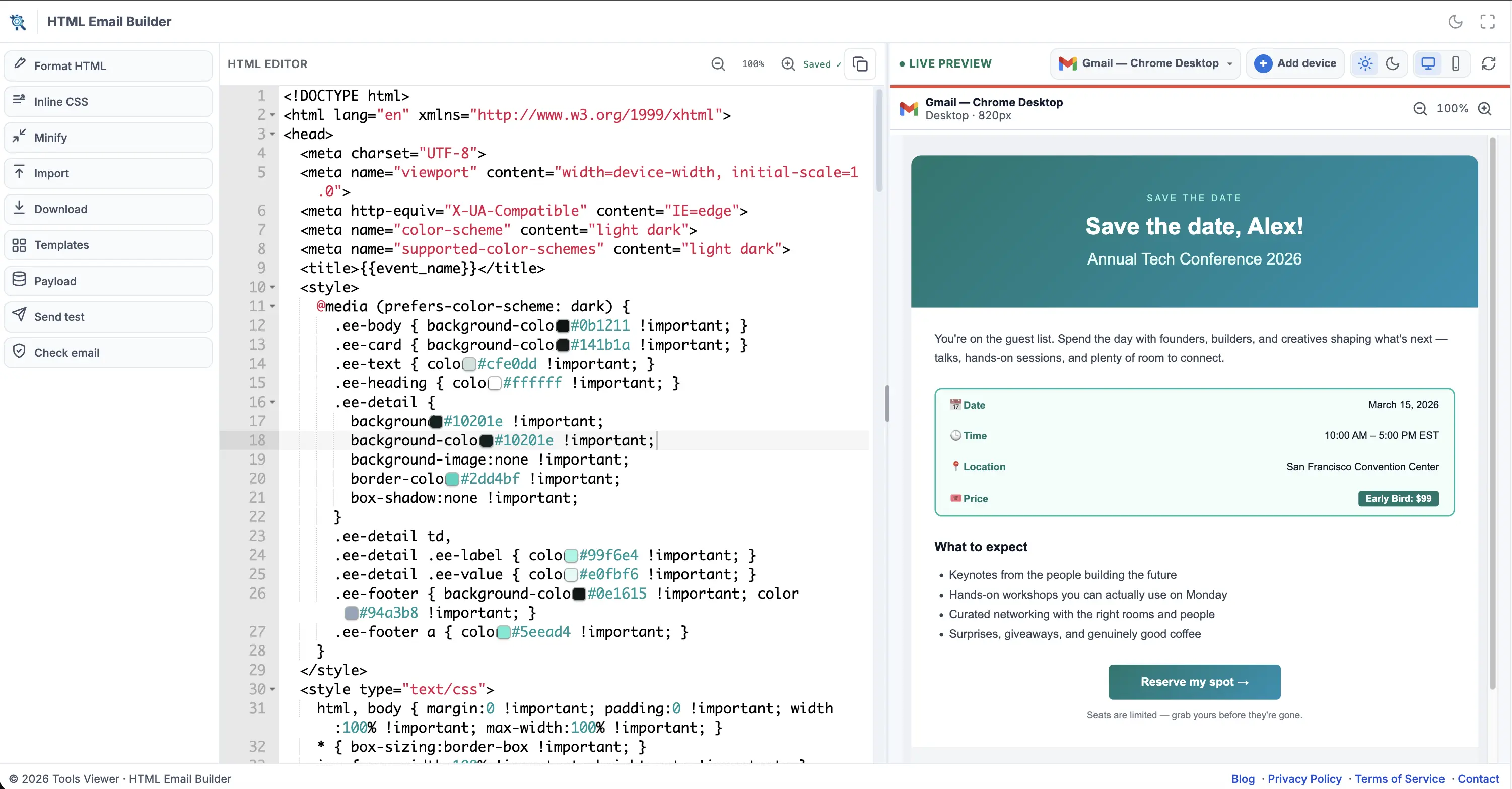
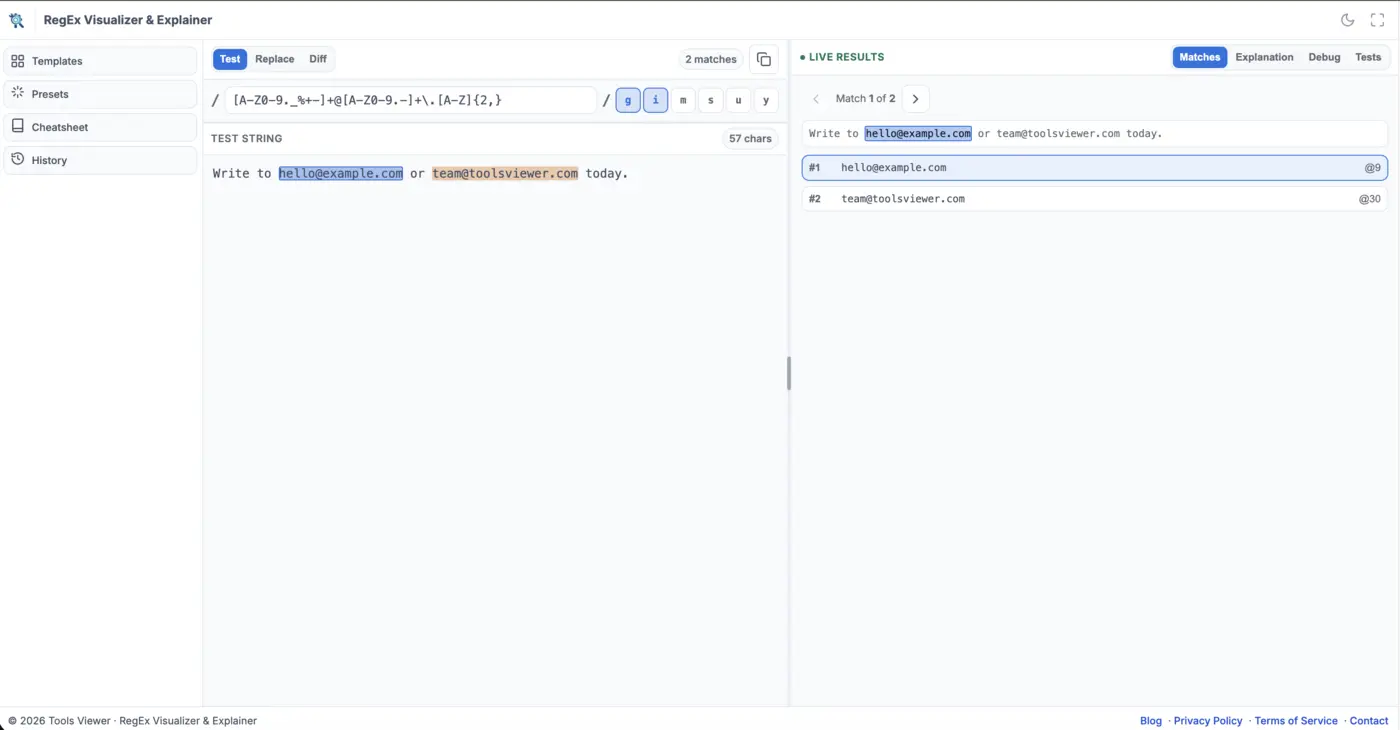
ToolsViewer is a privacy-first catalog of free online web tools that run entirely in your browser - often searched as tools viewer online. Open HTML Viewer to preview and edit markup, HTML Email Builder for HTML campaign checks, RegEx Visualizer to test and explain patterns, or JSON Formatter to pretty-print, validate, and convert data - no signup required, and your work stays on your device unless you choose to export it.
ToolsViewer was built as a home for developers who want quick answers without installing software or creating an account. Prefer a walkthrough instead? Use the blog for short, task-focused how-tos. Each live tool is free for students, creators, and professionals - start from the tools list below, or jump straight to a how-to when you only need one answer.
Tools
Free online web tools you can open right now. No signup.
DOCX to HTML – Convert Word to HTML Online
Convert DOCX to HTML online with a free Word to HTML converter. Turn Word documents into clean HTML for websites, CMS platforms, and web pages.
HTML Code Viewer – View & Preview HTML Online
View and preview HTML code online with a fast, free HTML code viewer. Open HTML files, inspect source code, and see your HTML output directly in your browser.
HTML Compare Online – Compare HTML Code & Find Differences
Compare HTML online with a free HTML diff checker. Find differences between two HTML files, inspect changed code, and review markup side by side.
HTML Decoder Online – Decode HTML Entities & Characters
Decode HTML entities online with a free HTML decoder. Unescape HTML characters and convert encoded entities back into readable text.
HTML Email Tester – Free Email Preview & Rendering Test Tool
Test and preview HTML emails online with a free email tester. Check email rendering, mobile and desktop layouts, dark mode, HTML compatibility, links, and more.
HTML Encoder Online – Encode HTML Entities & Special Characters
Encode HTML online with a free HTML encoder. Convert special characters into safe HTML entities and escape markup directly in your browser.
HTML Formatter Online – Beautify & Pretty Print HTML
Format and beautify HTML online with a free HTML formatter. Clean messy code, improve indentation, and make HTML easier to read and edit.
HTML Minifier Online – Minify & Compress HTML Code
Minify HTML online with a free HTML minifier. Compress HTML code, remove unnecessary whitespace, and reduce HTML size for cleaner, compact markup.
HTML Parser Online – Parse & Analyze HTML Structure
Parse HTML online with a free HTML parser tool. Analyze document structure, inspect elements, and understand HTML markup directly in your browser.
HTML Pretty Print – Beautify & Format HTML Online
Pretty print HTML online with a free HTML beautifier. Format, beautify, and organize HTML code for cleaner and easier-to-read markup.
Why ToolsViewer? Online Tools for Developers You’ll Actually Use
Every tool on ToolsViewer is built to be one of the best free online tools for developers - fast to open, easy to use, and honest about its limits. Whether you need quick online tools for developers or a focused workspace for one job, the catalog stays free and private by design.
No signup
Open a tool and start working immediately.
No file upload
Core editing and preview happen on your device.
Fast
No loading screens, no bloated dashboards.
Free forever
No paywalls on core features.
How ToolsViewer compares
| Feature | ToolsViewer | Typical free tool sites |
|---|---|---|
| Signup required | No | Sometimes |
| Your data stays private | Yes — stays in your browser | Often uploaded to a server |
| Speed | Fast, lightweight | Often slow, cluttered |
Privacy first online tools, by design
ToolsViewer is built around privacy first online tools that keep your work off our servers. Core editing and preview stay private in your browser - every tool is designed so you can run tools in browser no install, with no account wall. See the Privacy Policy for details.
How it works
Choose a tool
Start with HTML Viewer, HTML Email Builder, RegEx Visualizer, or JSON Formatter from the catalog above, each free in the browser.
Work locally
Paste markup or open a file. Preview and edits stay in your browser tab on your device.
Export when ready
Copy or download the result. Content leaves the browser only if you export it yourself.
Built for Real Workflows - One of the Best Free Online Tools for Developers
Students, creators, and professionals use the same free browser tools no signup required - fast checks without installs or accounts.
Students
Preview HTML and learn regex with live feedback - no IDE setup required. Follow a how-to on the blog beside the free tool in the same browser session.
Creators
Check layouts and email templates before you publish, then catch issues early with local previews and client-style simulations.
Professionals
Format and validate HTML, run client-style email QA, and debug patterns in one place - free, with no account wall.
Latest articles
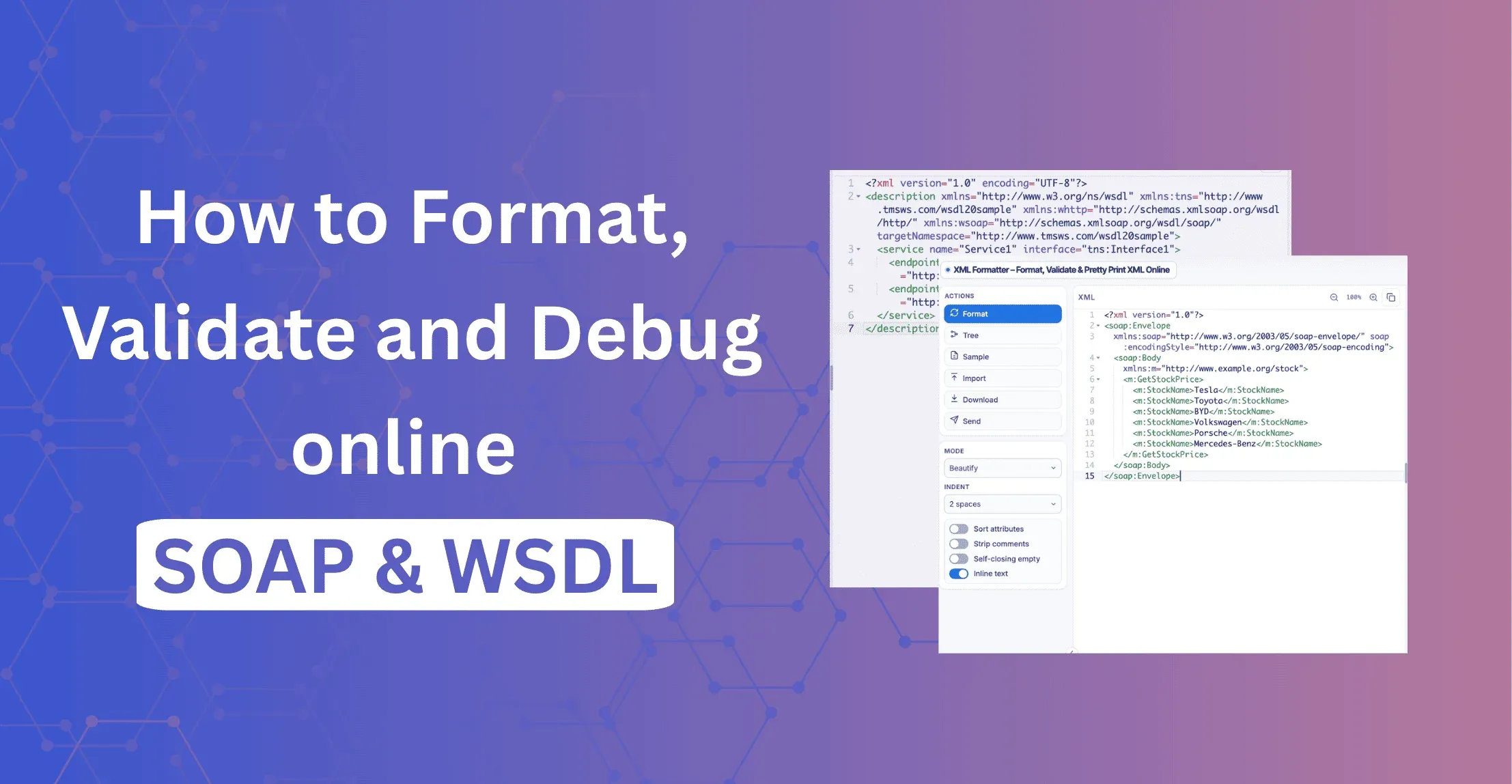
SOAP & WSDL XML Formatter: How to Format, Validate and Debug SOAP Online
Format SOAP envelopes and WSDL files online. Pretty print, validate, check namespaces and test XPath free in your browser. No signup.
Continue Reading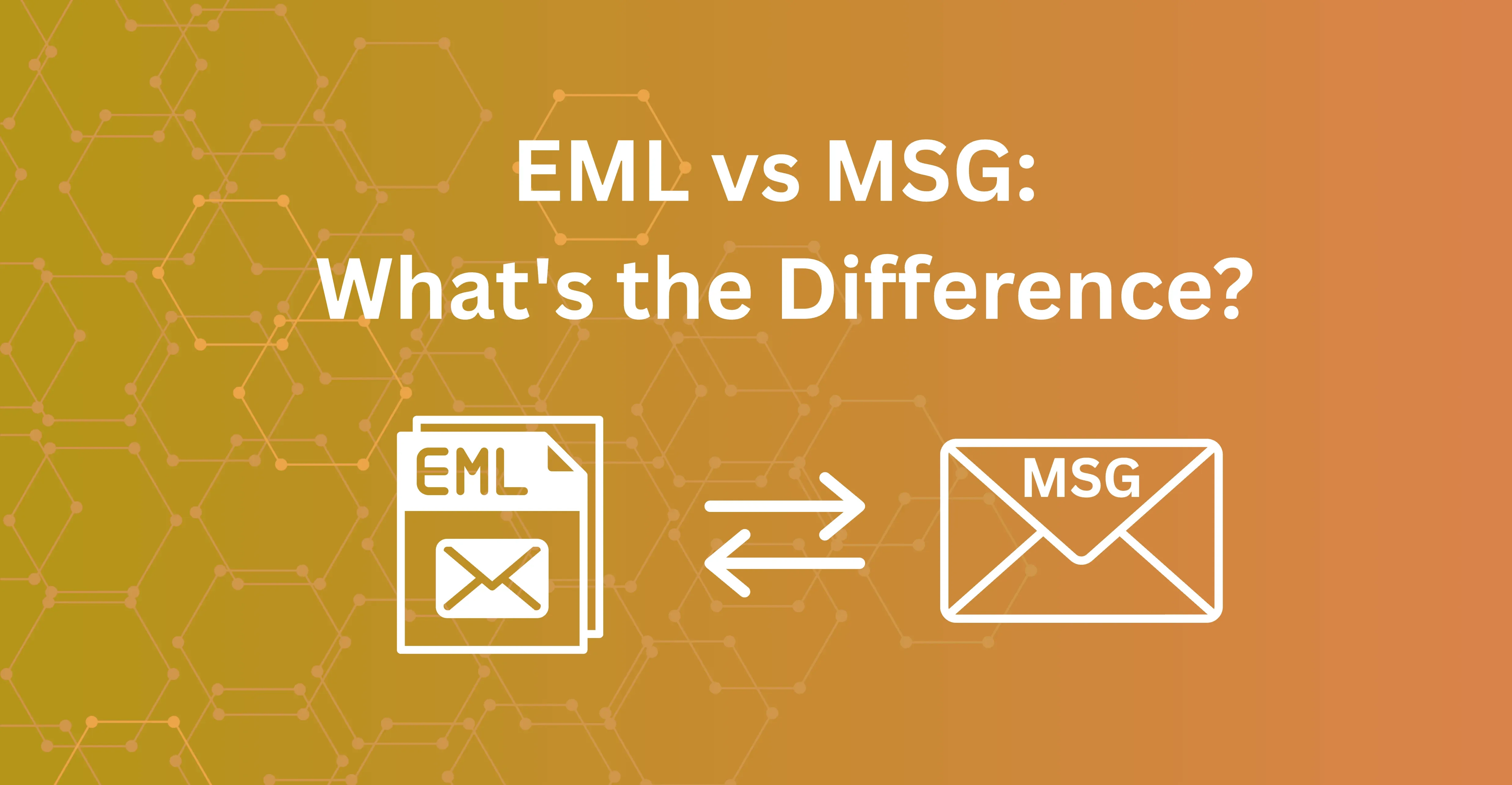
EML vs MSG: What's the Difference?
EML vs MSG explained: what each format contains, which to save, how to convert MSG to EML, and how to preview EML files free in your browser.
Continue Reading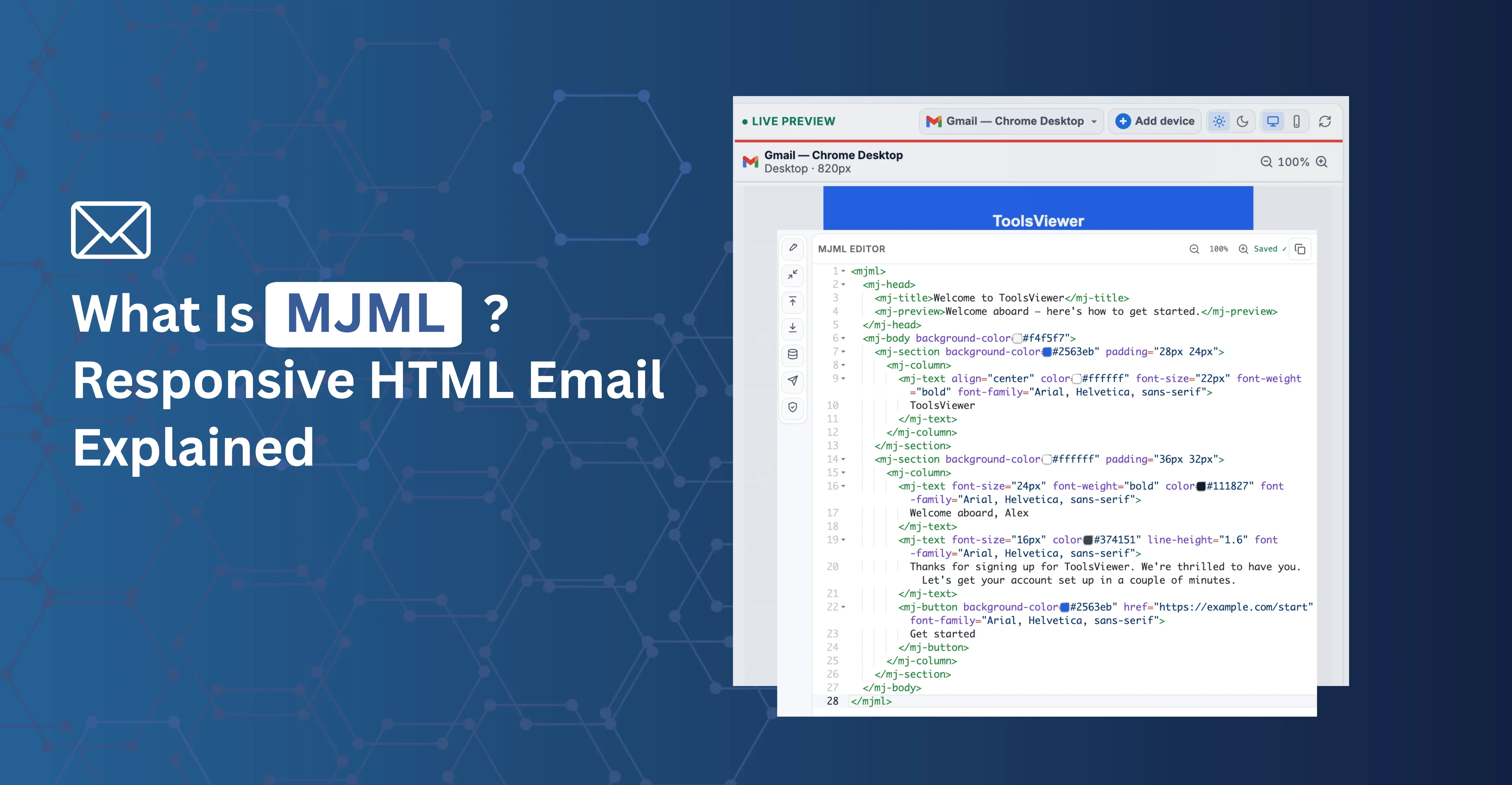
What Is MJML? Responsive Email Markup Explained
MJML is an open-source markup language that compiles to responsive, table-based HTML email. Learn how it works, its tradeoffs, and how to try it free online.
Continue Reading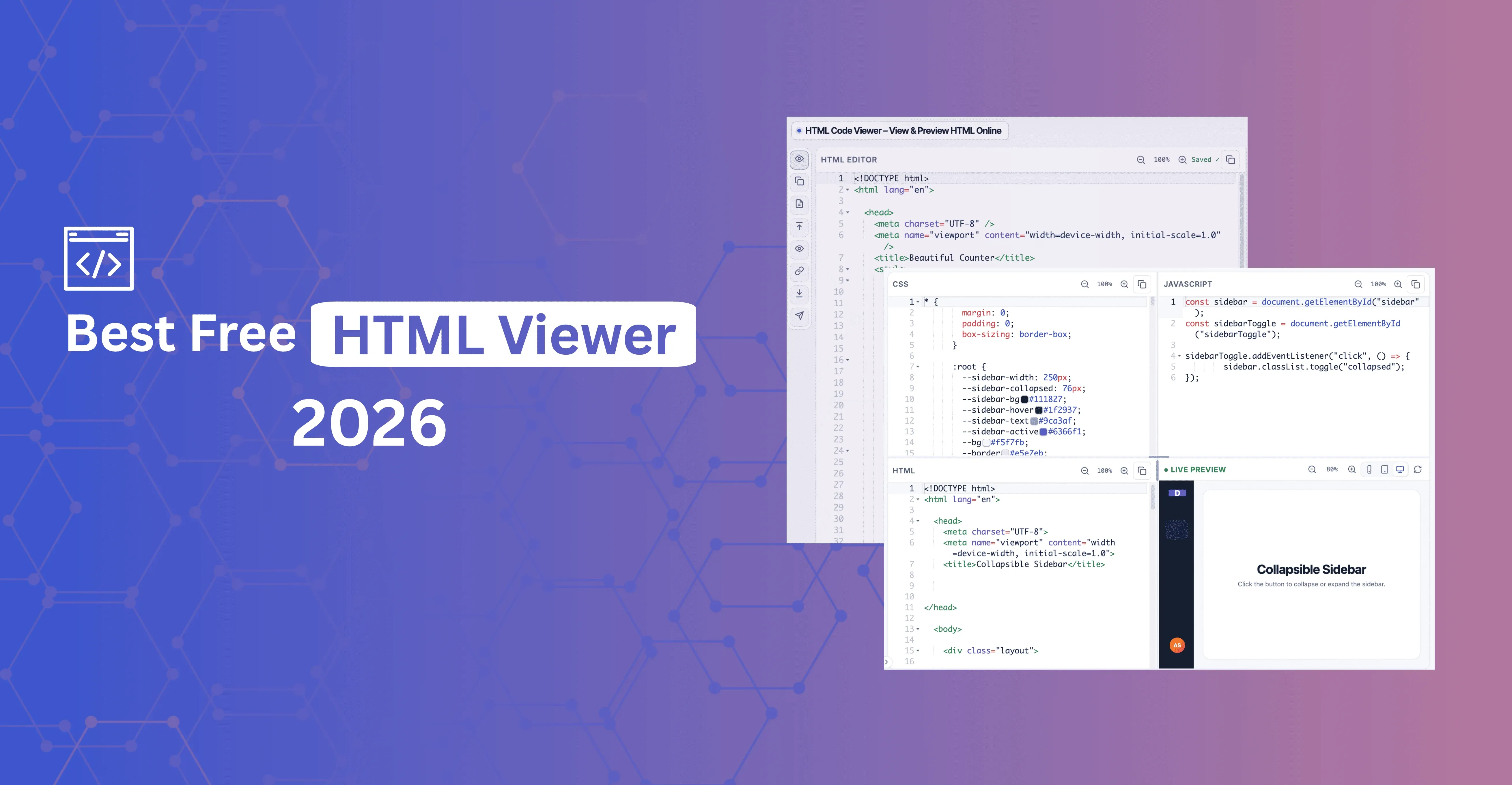
Best Free HTML Viewer in 2026: What Actually Matters
Best free HTML viewer in 2026 — what "best" should mean, a 3-step test for any tool, and a free no-signup viewer with live preview, panels mode, and Inspect.
Continue Reading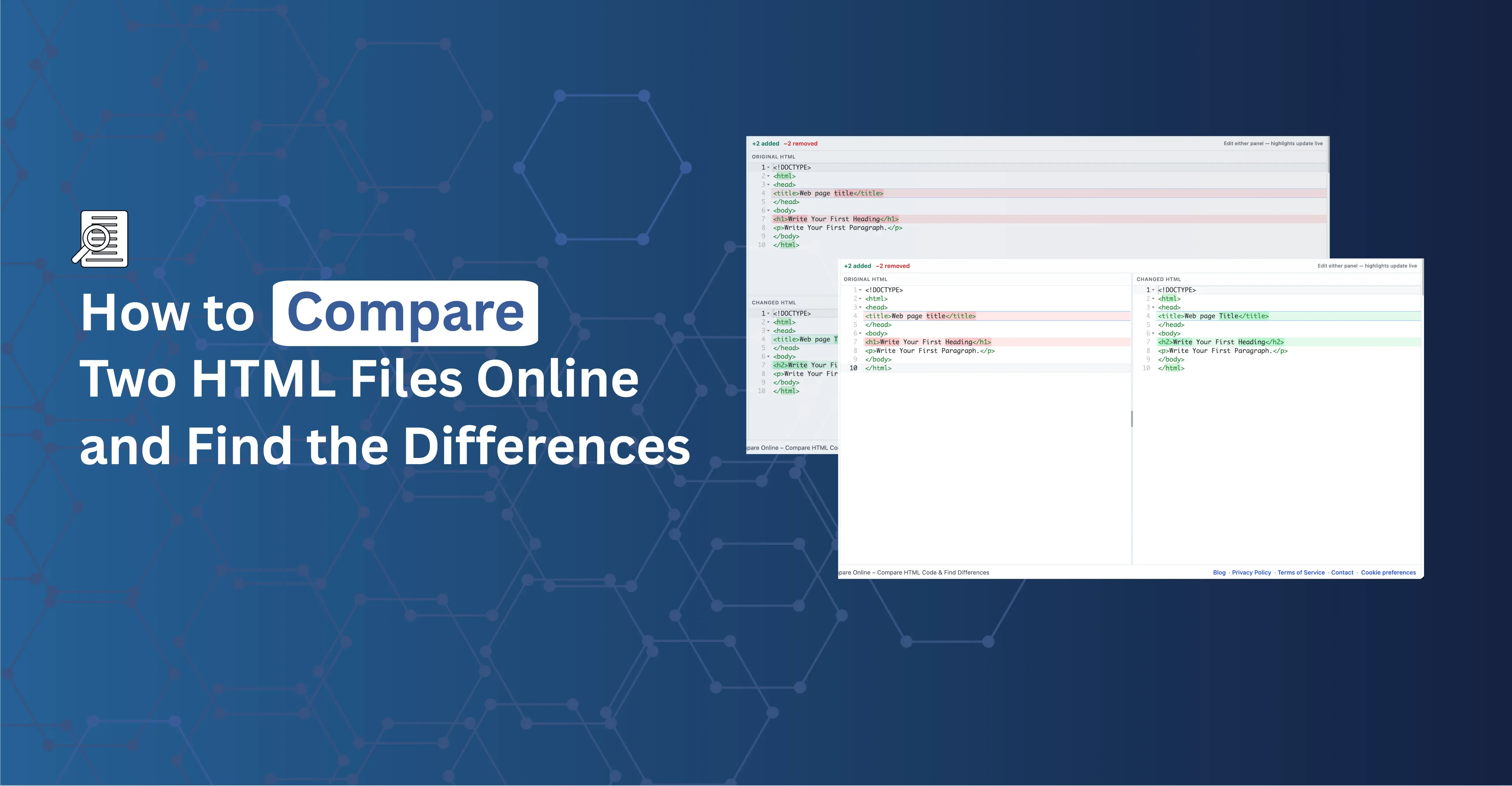
How to Compare Two HTML Files Online and Find the Differences
Compare two HTML files or snippets and see exactly what changed — line and word-level highlights, side-by-side or unified view, free in your browser.
Continue Reading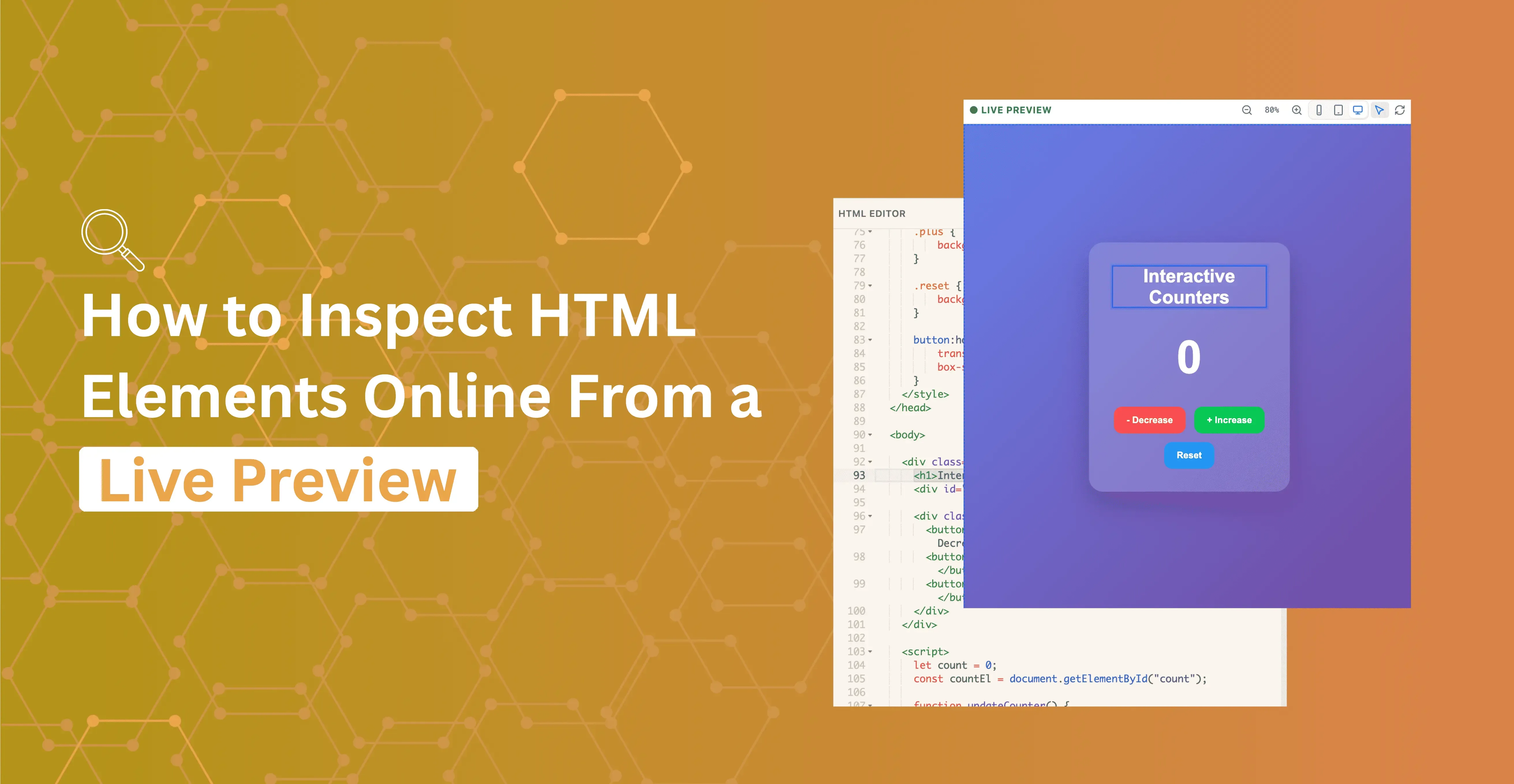
How to Inspect HTML Elements Online From a Live Preview
Click a node in the live preview and jump straight to that markup in the editor — inspect HTML without opening DevTools.
Continue Reading