
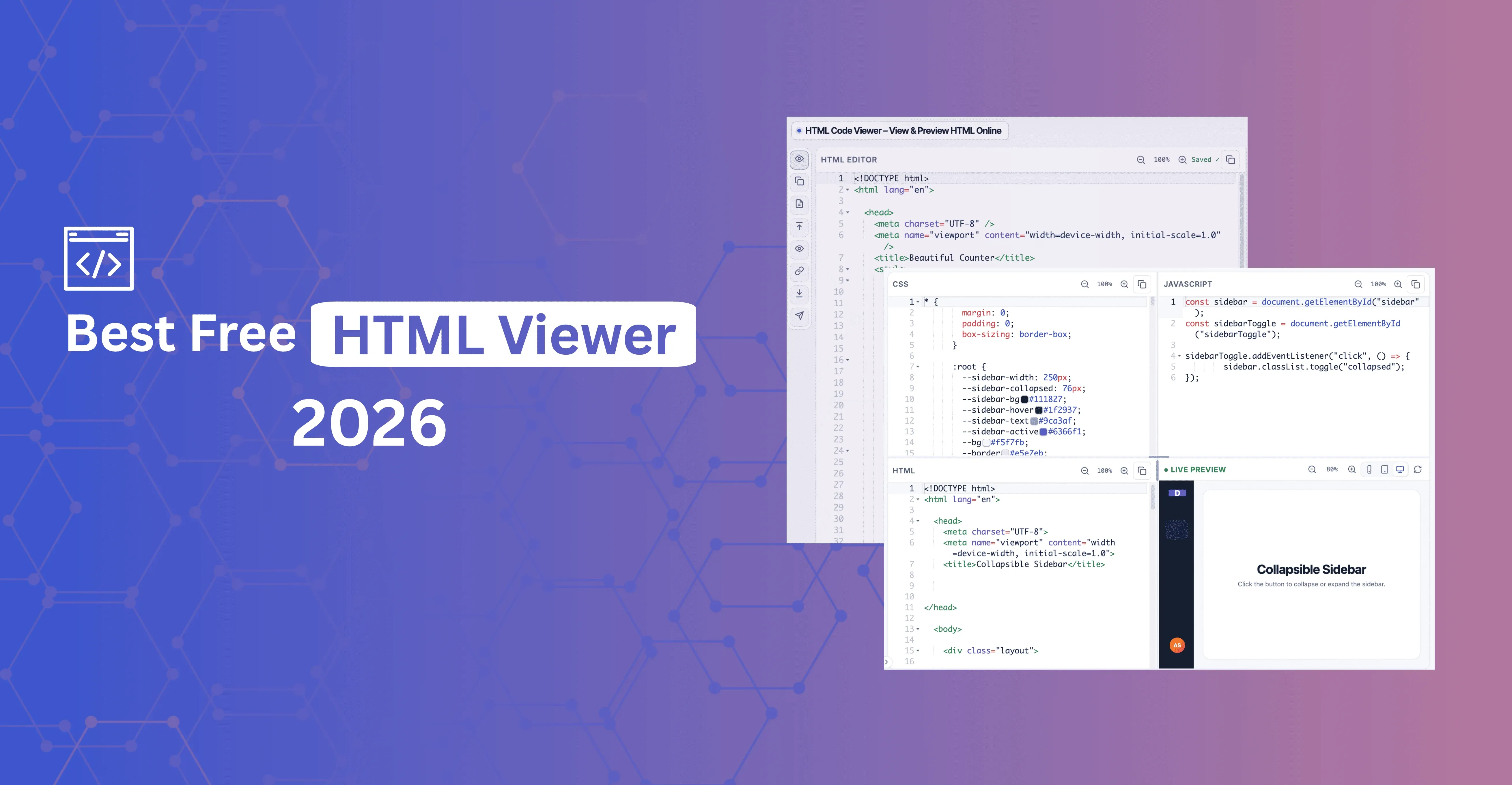
Quick answer: The best free HTML viewer in 2026 is free with no signup, shows a real live preview that updates as you type, lets you edit the source instead of just displaying it, runs locally so your code isn't uploaded, and lets you check layouts at mobile, tablet, and desktop widths. HTML Viewer is built around that definition, with an editor, a sandboxed live preview, and an Inspect mode to click an element and jump to its source line.
Searching for the best free HTML viewer in 2026 returns a mix of bare-bones preview boxes, download-required apps, and tools that require an account just to paste a snippet. This article covers what "best" should actually mean for your workflow and how to test any HTML viewer in under a minute.
What "Best Free HTML Viewer" Should Mean in 2026
The word "viewer" undersells what people actually need. Most people who search for an HTML viewer want to do more than look — they want to edit, check responsiveness, and work with a real file, not just a pasted snippet.
| What to look for | Why it matters |
|---|---|
| Free for core use, forever | Not a trial, and not a freemium limit that kicks in after a handful of pastes |
| Real live preview | The rendered output updates as you type, without saving or refreshing manually |
| Editable source | A read-only viewer only covers a fraction of real tasks — you need an HTML live editor, not just a display box |
| Private by default | Your HTML shouldn't be uploaded to a server without your knowledge — client code, draft templates, and internal markup deserve confidentiality |
| Responsive preview sizes | A layout that looks fine at desktop width can break on mobile — being able to check both without a second device matters |
| Import or fetch real content | Loading a .html file or a live URL directly saves time over manually copy-pasting large pages |
Why HTML Viewer Stands Out
HTML Viewer is a free HTML code viewer that meets the criteria above. Here's what it actually does:
- Live preview alongside the editor. Edit your code and see the rendered result update as you type, in a sandboxed iframe — useful for testing forms, scripts, embeds, and layouts without affecting anything outside the preview.
- View mode and Panels mode. Use View mode for a single HTML editor and preview. Switch to Panels mode for separate HTML, CSS, and JavaScript editors that compose together in the same live preview.
- Import files or fetch a URL. Load an
.html,.htm, or.txtfile from disk, or fetch a publicly available URL, instead of copy-pasting large documents by hand. - Responsive preview sizes. Switch between Mobile, Tablet, and Desktop widths to check how a layout behaves without reaching for a second device.
- Inspect. Click an element in the preview to jump straight to the matching line in the HTML editor — available in View mode, where the single editor and preview are paired together.
- Copy, download, or open in a new tab. Copy the source, download it as an
.htmlfile, or open the rendered page in its own browser tab when you're done. - Fullscreen editing and preview, with Zoom and Refresh. Useful for working on larger pages or presenting a preview without the surrounding page chrome.
HTML Viewer is focused on viewing, editing, and previewing — it doesn't try to be a one-tab replacement for every HTML tool. For formatting, validating, or comparing two versions of HTML, Tools Viewer provides those as separate, purpose-built tools you can switch to, such as HTML Formatter, HTML Validate, and HTML Compare for comparing two files side by side.
Viewer vs Editor vs a Connected Tool Suite
These categories overlap, and marketing often blurs the lines between them.
| Category | What it does | Limitation |
|---|---|---|
| HTML viewer | Shows rendered output, often read-only or minimally editable | Useful for a quick check, not much else |
| HTML editor | Editable source with a live preview — good for writing and fixing markup | Still needs separate tools for formatting, validation, or comparison |
| Editor + connected tool suite | Editor and live preview for the active task, linked out to dedicated formatter, validator, and compare tools when you need them | Requires switching tabs for those specific tasks, rather than one bundled toolbar |
HTML Viewer falls into the third category: it keeps editing and previewing fast and uncluttered, and links out to HTML Formatter, HTML Validate, and HTML Compare for the tasks that deserve their own dedicated interface.
How to Evaluate Any Free HTML Viewer (3-Step Test)
Before committing to a tool, run this quick test:
- Paste a small page with a
<style>block and a<script>block. Does the preview show styled, interactive output? If styles are stripped or scripts don't run, the tool is limited. - Import a real
.htmlfile, or fetch a URL. Can you load real content without manually copy-pasting it? This matters once you're working with actual templates, not toy snippets. - Resize the preview to mobile and tablet widths, then click Inspect on an element. Does the tool help you check responsiveness and find the matching source line, or only show one fixed-width view?
If a tool fails any of these three, it's a viewer in name only.
Who This Free HTML Viewer Is For
- Students — write and test HTML without installing a local development environment or IDE
- Marketers and content writers — check HTML from a CMS, email builder, or template before it goes live
- Frontend developers — prototype UI components, debug layout issues at different screen widths, or review HTML from a design handoff
- Support and QA teams — review customer-submitted HTML snippets without uploading them to a shared system
- Anyone on a shared machine — edit and preview HTML without installing software or requesting admin rights
Conclusion
"Best free HTML viewer" shouldn't just mean the fastest preview box you find in search results. A tool worth bookmarking needs to be genuinely free, editable, private, and able to show you how a layout behaves at different screen sizes — not just render a single fixed view. Run the three-step test above against any viewer you're considering before you commit to it for real work.
HTML Viewer keeps editing and live preview fast and focused, with Inspect, responsive preview sizes, and file import built in — and connects out to dedicated formatting, validation, and comparison tools when a task calls for them.