
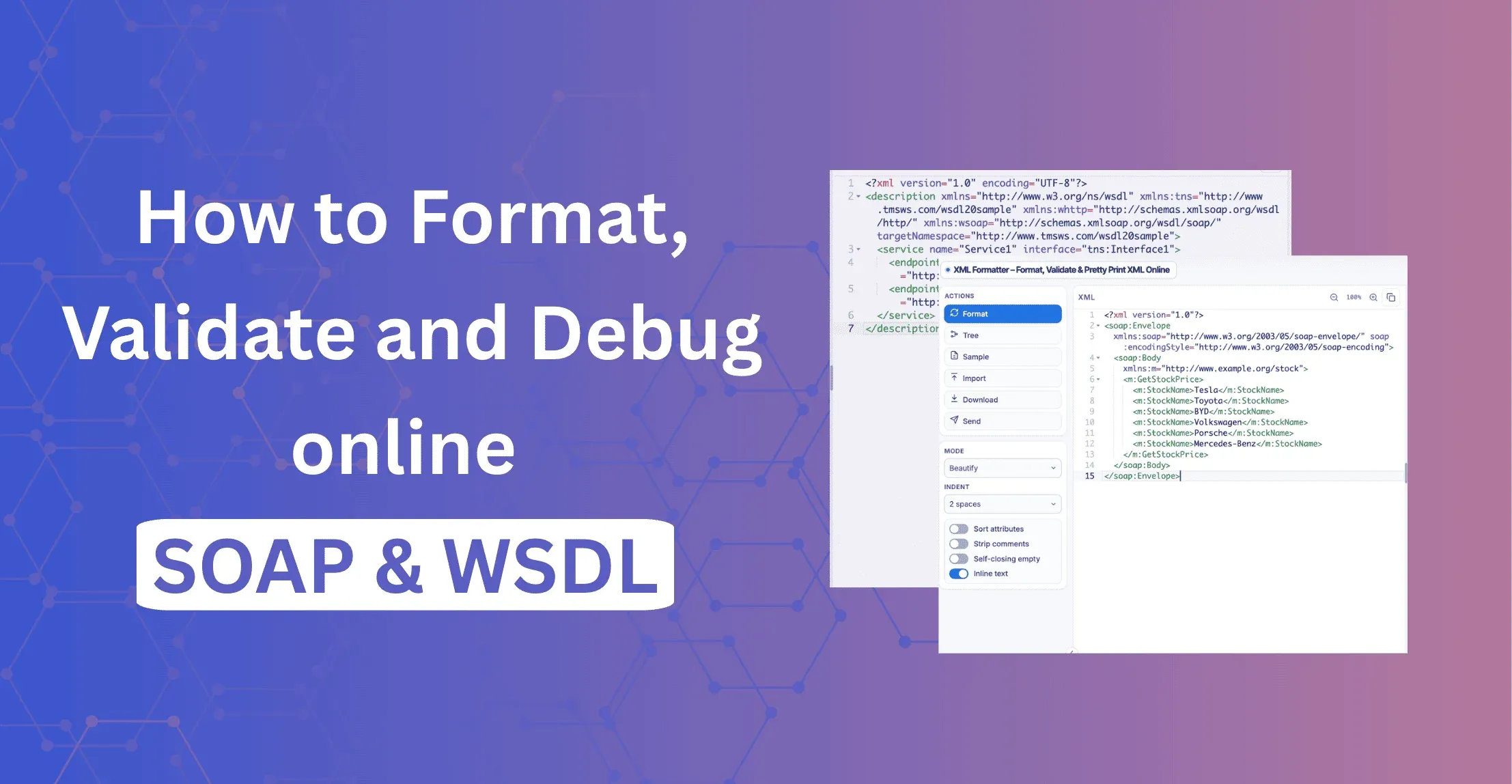
Quick answer: To format SOAP or WSDL XML online, paste it into the XML Formatter, select Format, and review the result. The tool pretty prints the XML, checks that it is well-formed, shows the namespaces in use, and lets you test XPath expressions. Everything runs in your browser, so you need no account and nothing is uploaded.
What are SOAP and WSDL?
SOAP (Simple Object Access Protocol) is a messaging protocol that sends structured requests and responses as XML. WSDL (Web Services Description Language) is an XML document that describes a SOAP service: its operations, message formats, data types and endpoints.
| - | SOAP message | WSDL file |
|---|---|---|
| Purpose | Carries one request or response | Describes the whole service contract |
| Root element | Envelope | definitions (WSDL 1.1) |
| Typical size | Small to medium | Often very large |
| When you read it | Debugging a failing call | Building or updating a client |
Both are plain XML, so one XML formatter can handle both.
How do you format a SOAP request online?
A SOAP message has an envelope, an optional header and a body. Logging systems often store it as one long line, like this readable version:
<soap:Envelope xmlns:soap="http://schemas.xmlsoap.org/soap/envelope/"
               xmlns:ord="http://example.com/orders">
  <soap:Header>
    <ord:RequestId>ABC-123</ord:RequestId>
  </soap:Header>
  <soap:Body>
    <ord:GetOrderRequest>
      <ord:OrderId>10045</ord:OrderId>
    </ord:GetOrderRequest>
  </soap:Body>
</soap:Envelope>
To format it:
- Open the XML Formatter & Converter.
- Paste the SOAP request or response into the editor.
- Select Format.
- Check the envelope, header and body in the output.
- Use the namespace and XPath features to inspect specific elements.
If the document will not format, the XML is probably not well-formed. Look for a missing closing tag, an invalid character or a broken attribute, and fix it before investigating the SOAP operation itself.
SOAP 1.1 vs SOAP 1.2: how do you tell which one you have?
Check the envelope namespace after formatting. It identifies the version immediately.
| - | SOAP 1.1 | SOAP 1.2 |
|---|---|---|
| Envelope namespace | http://schemas.xmlsoap.org/soap/envelope/ | http://www.w3.org/2003/05/soap-envelope |
| HTTP Content-Type | text/xml; charset=utf-8 | application/soap+xml; charset=utf-8 |
| Action | SOAPAction HTTP header | action parameter in Content-Type |
| Fault elements | faultcode, faultstring | Code, Reason |
Sending a SOAP 1.2 body to an endpoint that expects SOAP 1.1 (or the reverse) is a common cause of version mismatch faults.
What is the difference between the SOAP header and body?
The header carries metadata such as authentication tokens, request IDs, timestamps and routing information. The body carries the operation being requested and its parameters.
When a request fails, inspect them separately. An authentication problem lives in the header, while a wrongly structured operation lives in the body.
Why do SOAP namespaces cause so many problems?
In XML, the namespace URI defines what an element means, not the prefix. Compare these two elements:
<ord:GetOrderRequest xmlns:ord="http://example.com/orders"/>
<order:GetOrderRequest xmlns:order="http://example.com/orders"/>
The prefixes differ, but both elements are identical because they use the same URI. Changing a prefix does not change the meaning, while changing the URI does.
A document often mixes several namespaces: SOAP, XML Schema, WSDL and application-specific ones. The formatter's namespace inventory lists them all in one place.
If an XPath query returns nothing, check:
- Does the XML parse successfully?
- Is the XPath using the correct namespace mapping?
- Does the element exist in the document?
- Are you searching the header or the body?
How do you find a value in SOAP XML with XPath?
XPath lets you locate a value without scrolling through a large document. For the request above, this expression points to the order ID:
/soap:Envelope/soap:Body/ord:GetOrderRequest/ord:OrderId
The expression only works if the soap and ord prefixes are mapped to the right namespace URIs. For a quick check you can ignore namespaces with local-name():
//*[local-name()='OrderId']
Use this shortcut for inspection only. In application code, map the namespaces properly so you do not match the wrong element.
How do you format a WSDL file?
A WSDL file is XML, so you format it the same way: paste it into the XML Formatter and select Format. The tree view then helps you move through the document.
A shortened WSDL 1.1 file looks like this:
<definitions name="OrderService"
    targetNamespace="http://example.com/orders"
    xmlns="http://schemas.xmlsoap.org/wsdl/"
    xmlns:tns="http://example.com/orders">
  <types> ... </types>
  <message name="GetOrderRequest"> ... </message>
  <portType name="OrderPortType">
    <operation name="GetOrder"> ... </operation>
  </portType>
  <binding name="OrderBinding" type="tns:OrderPortType"> ... </binding>
  <service name="OrderService"> ... </service>
</definitions>| WSDL section | What it answers |
|---|---|
| types | What data structures does the service use? |
| message | What does each request and response contain? |
| portType | Which operations are available? |
| binding | Which protocol and message style does each operation use? |
| service | Where is the service endpoint? |
This is especially useful when a third-party provider sends a minified or generated WSDL.
How do you compare two WSDL versions?
A new WSDL does not always mean a new service. The change may be a new type, a renamed element, a changed message part or a modified binding. Compare the old and new files before regenerating client code, and use the formatter's compare feature to see what actually changed instead of reading two large files by eye.
Focus on changes to the service contract. Whitespace and indentation differences are rarely important.
What does a SOAP fault look like?
When a service cannot process a request, it returns a fault inside the body. A SOAP 1.1 fault looks like this:
<soap:Envelope xmlns:soap="http://schemas.xmlsoap.org/soap/envelope/">
  <soap:Body>
    <soap:Fault>
      <faultcode>soap:Client</faultcode>
      <faultstring>Order not found</faultstring>
    </soap:Fault>
  </soap:Body>
</soap:Envelope>
In SOAP 1.1, the fault code Client usually means the request was wrong, and Server means the problem is on the service side. VersionMismatch and MustUnderstand are the other standard codes. Formatting a fault response makes the message much easier to read in a log.
When should you minify SOAP XML?
Pretty-printed XML is best for debugging. Minified XML is better for storing or sending, such as a test fixture, a config value or a system that expects a single-line string.
Keep the formatted version while you debug and only minify the final copy. The formatter can also remove comments when you prepare XML for comparison.
Can you convert SOAP XML to JSON?
Yes, and it helps when you want to read a SOAP response next to a REST response. Treat the result as a representation of the XML, not a perfect replacement. Namespaces, attributes, repeated elements and mixed content have no single obvious JSON equivalent, so review the output before using it in application code. Keep the original XML as the source of truth.
Is it safe to paste production SOAP traces into an online tool?
Be careful. SOAP traffic can contain credentials, customer identifiers, internal URLs and order numbers.
The formatter's main editing and inspection features run in your browser. Importing a URL is different: your browser has to request the remote resource, and success depends on that server's CORS settings. Even with local processing, replace passwords, tokens and customer data before sharing a formatted request with anyone.
A simple SOAP troubleshooting workflow
- Format the XML. Make the request readable first.
- Validate it. Confirm the XML is well-formed before looking at SOAP rules.
- Check namespaces. Confirm the envelope version and application namespace URIs.
- Inspect the header. Look at authentication, request IDs and timestamps.
- Inspect the body. Confirm the expected operation and parameters are present.
- Test XPath. Check that key values such as an order ID can be found.
- Compare with a known-good request. This is usually faster than guessing what the server expects.
Start with a sample before using a production trace
If you are new to SOAP or WSDL, load one of the built-in samples first. Format it, open the namespace information and try a simple XPath expression. Then change something small and compare the original with the modified version. Once that makes sense, move on to your real request.
When is a SOAP/WSDL formatter useful?
- A SOAP request or response appears on one long line.
- You need to inspect the header separately from the body.
- An XPath expression returns nothing.
- You are trying to understand unfamiliar namespace declarations.
- A WSDL file is hard to navigate.
- A provider has published a new WSDL version.
- You want to compare a working request with a failing one.
- You need to inspect or convert XML without installing a desktop application.
Try it yourself
Open the XML Formatter, paste a SOAP request or WSDL, and format it in seconds. No signup is required.