Tools Viewer

Hasnain

Full Stack Developer

I’ve been interested in computers since I was a kid. I enjoyed playing games and spent a lot of my time doing it, but at some point, one question started to stick with me: how do these things actually work? I became especially curious about websites and how they were built. That curiosity eventually led me to decide that I wanted to make technology and web development my career.

I graduated from Virtual University of Pakistan and I’m currently pursuing an MPhil in Database Management. I’ve always been particularly interested in how data is structured, managed and used to build better applications. More recently I’ve become increasingly interested in AI-driven applications and how AI can be combined with solid software engineering to create genuinely useful products.

Over the years, I’ve worked across web and mobile development with technologies such as Laravel, React, Angular, Next.js, Node.js, Python, and more. One thing I’ve always cared about is writing generic, clean and maintainable code, code that adds real value to an application rather than simply making something work.

With the rise of AI and the growing world of low-code and vibe coding, I think good software engineering matters more than ever. It’s becoming easier to generate code but understanding how to structure an application, work with data, solve problems properly and keep code maintainable is still what makes a good product.

That mindset is also what led me to create ToolsViewer. I’ve used countless developer tools throughout my career and I wanted to build a place where developers could find simple, fast and genuinely useful tools for their everyday work. I also enjoy sharing what I learn along the way because if something I’ve figured out can save another developer some time or frustration, it’s worth sharing.

I’m still as curious about technology as I was when I first started. The difference is that now instead of just wondering how things work, I get to build them, break them, learn from them and hopefully make them a little better.

Articles by Hasnain

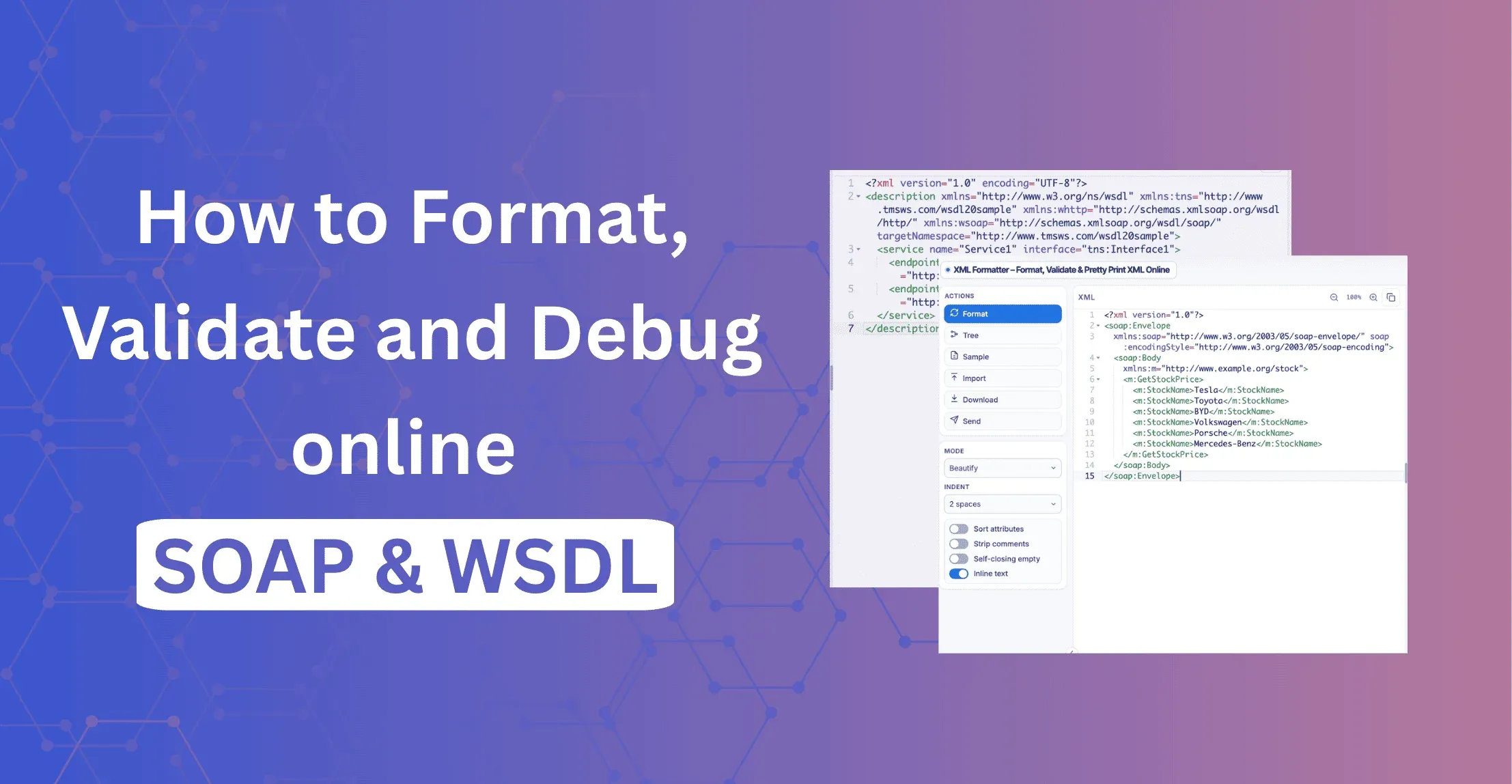
SOAP & WSDL XML Formatter: How to Format, Validate and Debug SOAP Online

SOAP & WSDL XML Formatter: How to Format, Validate and Debug SOAP Online

Format SOAP envelopes and WSDL files online. Pretty print, validate, check namespaces and test XPath free in your browser. No signup.

Continue Reading
  • Developer Productivity
EML vs MSG: What's the Difference?

EML vs MSG: What's the Difference?

EML vs MSG explained: what each format contains, which to save, how to convert MSG to EML, and how to preview EML files free in your browser.

Continue Reading
  • Developer Productivity
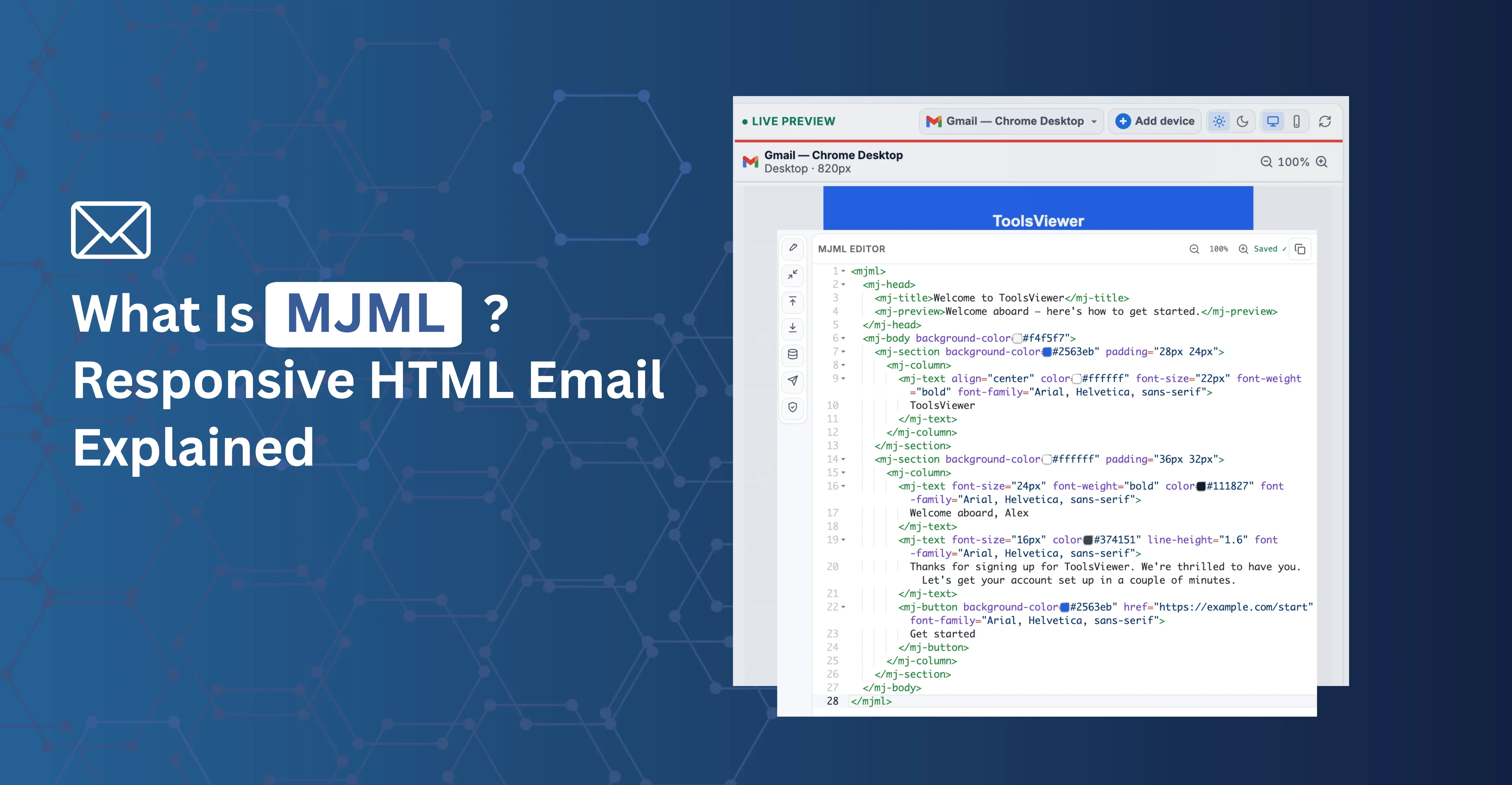
What Is MJML? Responsive Email Markup Explained

What Is MJML? Responsive Email Markup Explained

MJML is an open-source markup language that compiles to responsive, table-based HTML email. Learn how it works, its tradeoffs, and how to try it free online.

Continue Reading
  • Developer Productivity
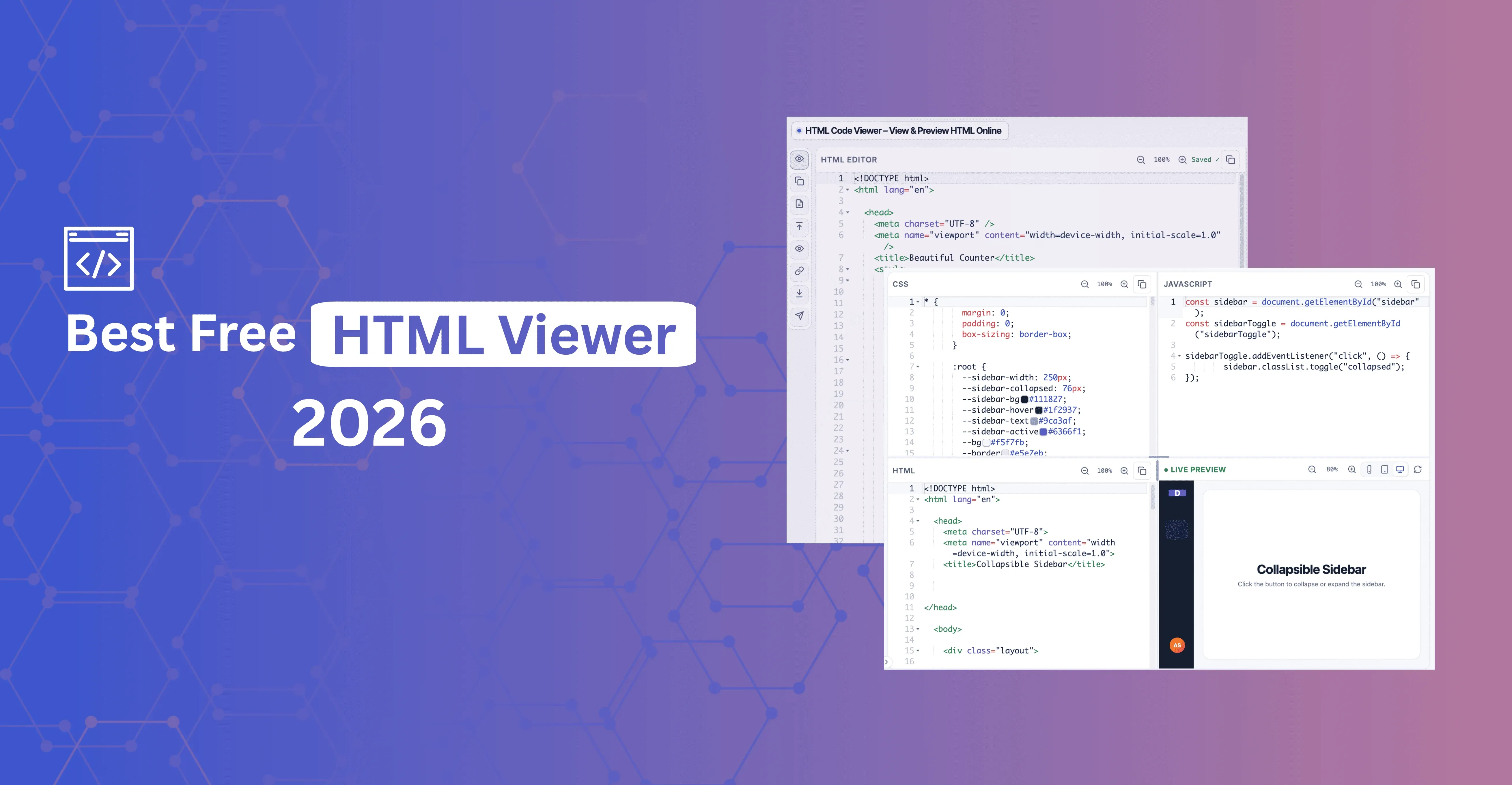
Best Free HTML Viewer in 2026: What Actually Matters

Best Free HTML Viewer in 2026: What Actually Matters

Best free HTML viewer in 2026 — what "best" should mean, a 3-step test for any tool, and a free no-signup viewer with live preview, panels mode, and Inspect.

Continue Reading
  • Developer Productivity
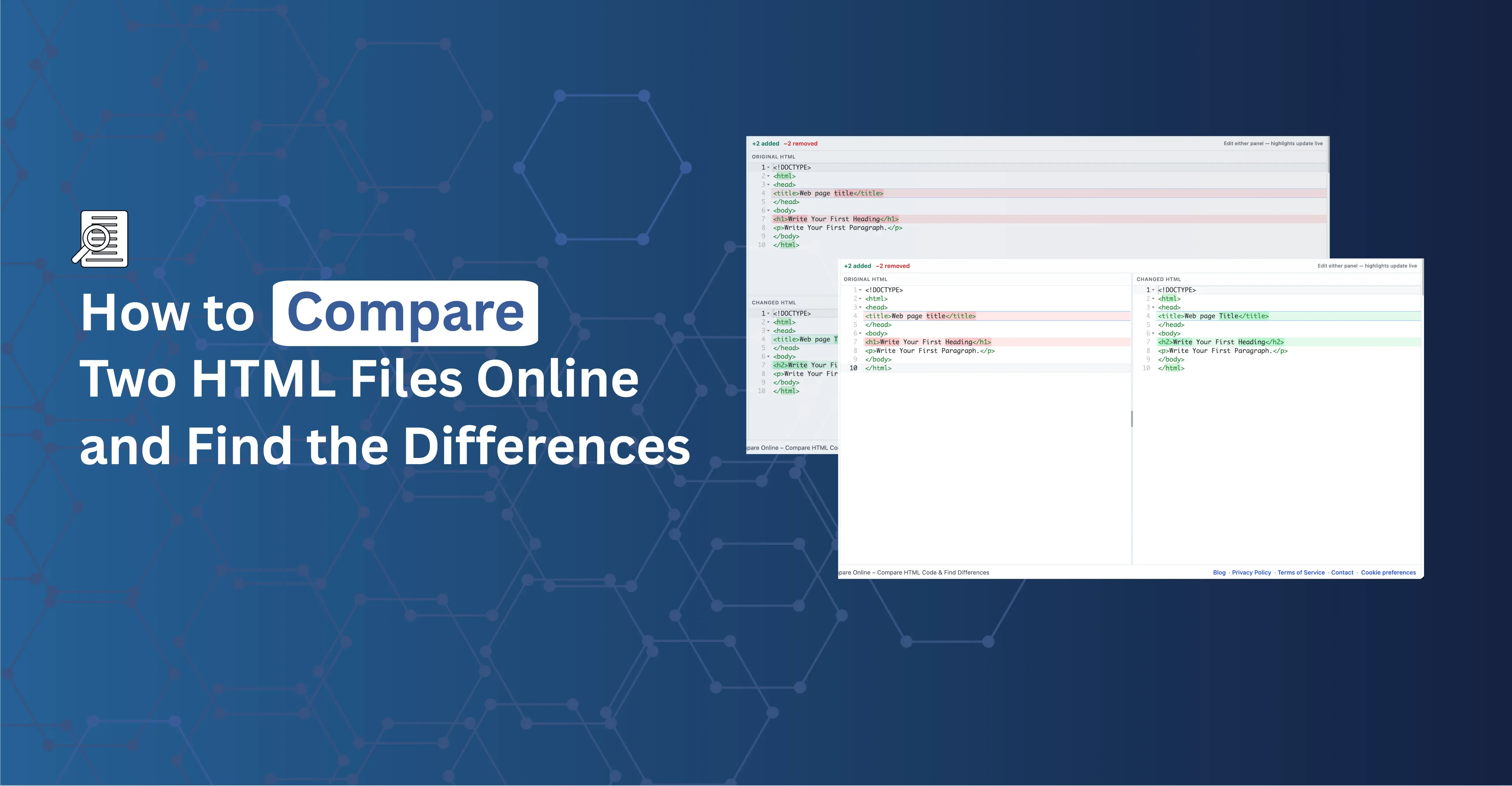
How to Compare Two HTML Files Online and Find the Differences

How to Compare Two HTML Files Online and Find the Differences

Compare two HTML files or snippets and see exactly what changed — line and word-level highlights, side-by-side or unified view, free in your browser.

Continue Reading
  • Developer Productivity
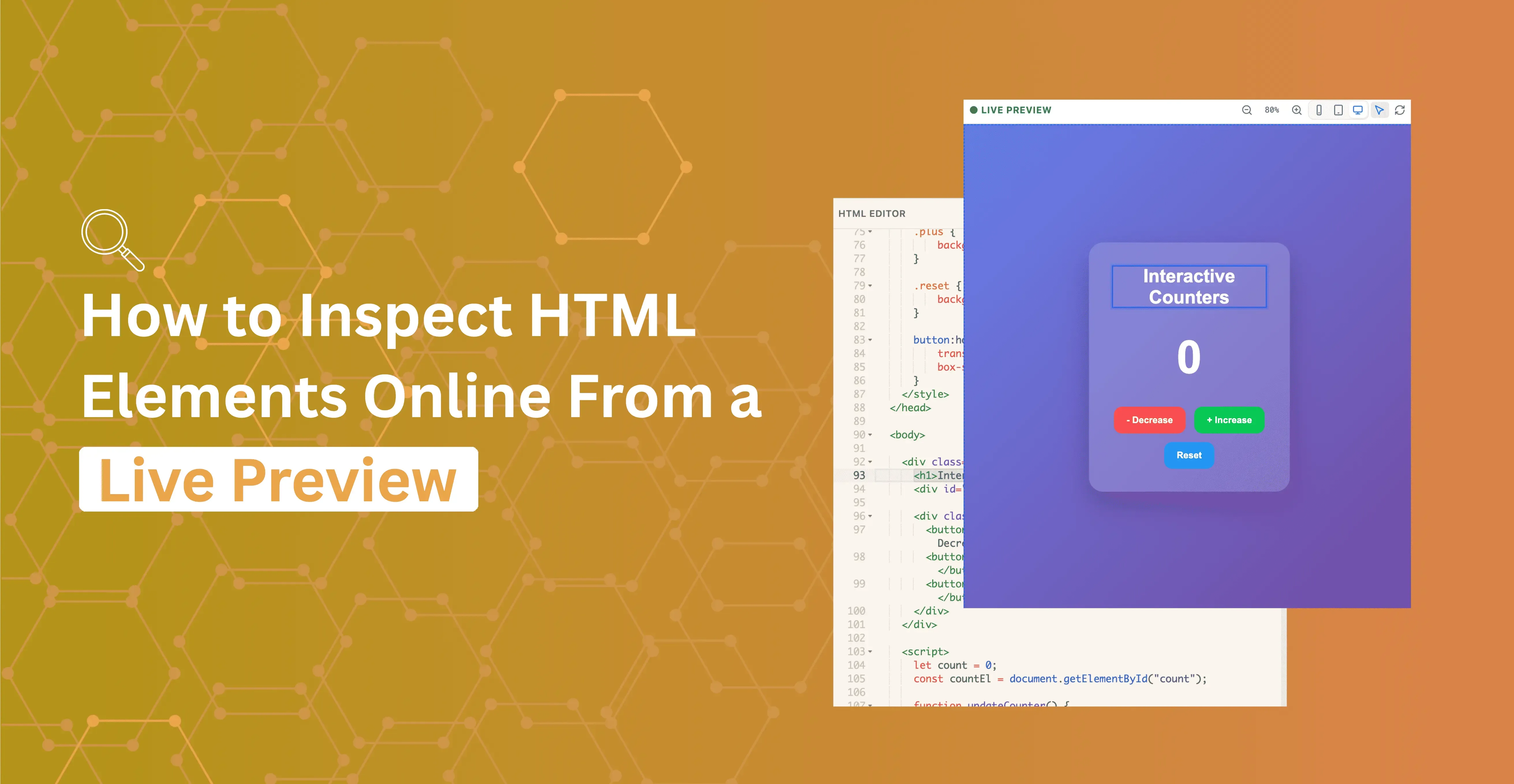
How to Inspect HTML Elements Online From a Live Preview

How to Inspect HTML Elements Online From a Live Preview

Click a node in the live preview and jump straight to that markup in the editor — inspect HTML without opening DevTools.

Continue Reading
  • Developer Productivity
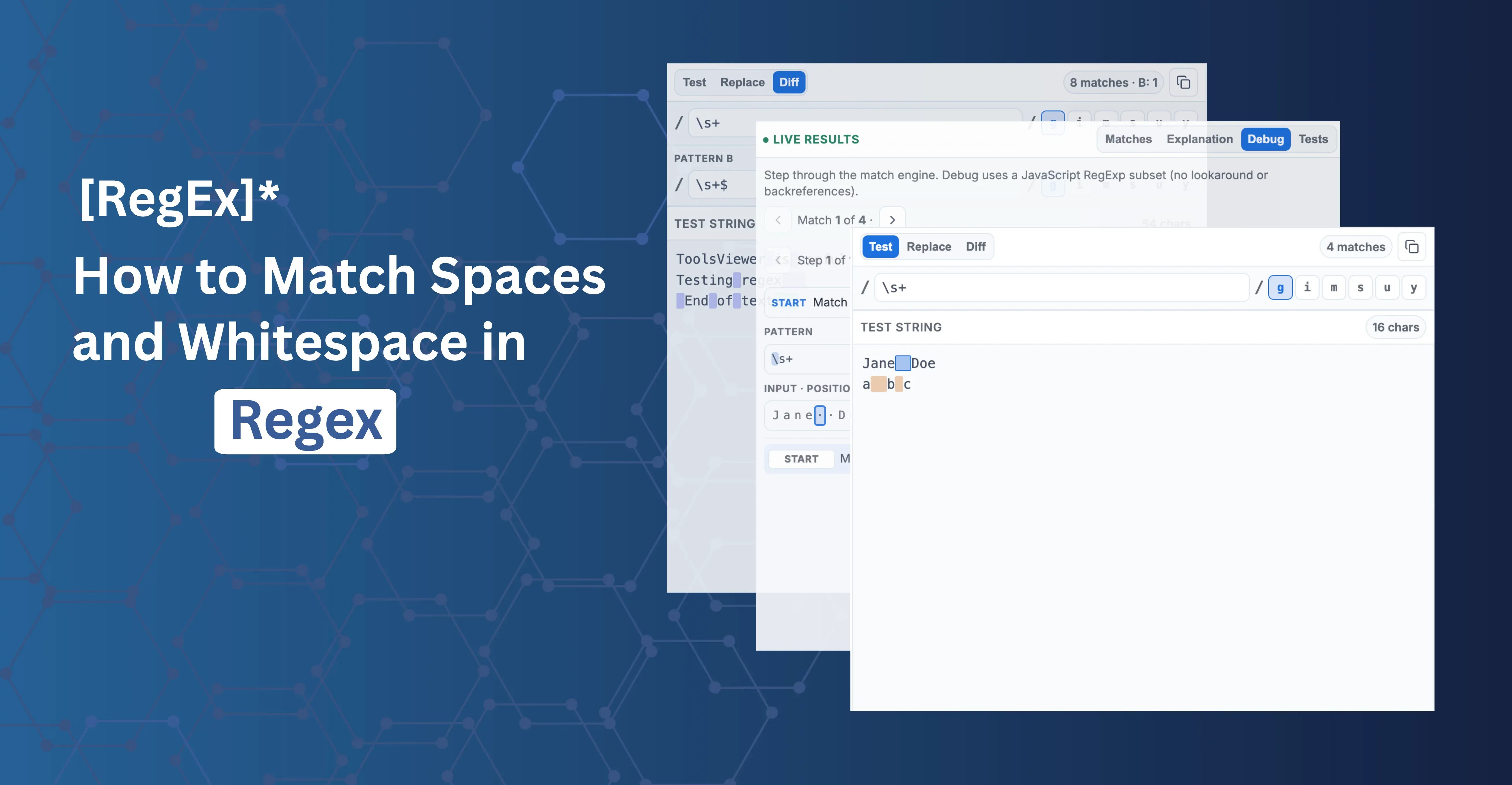
How to Match Spaces and Whitespace in Regex

How to Match Spaces and Whitespace in Regex

Learn how to match spaces and whitespace in regex. Compare \s vs a literal space, use [ \t], allow spaces, trim, and collapse runs with examples.

Continue Reading
  • Developer Productivity
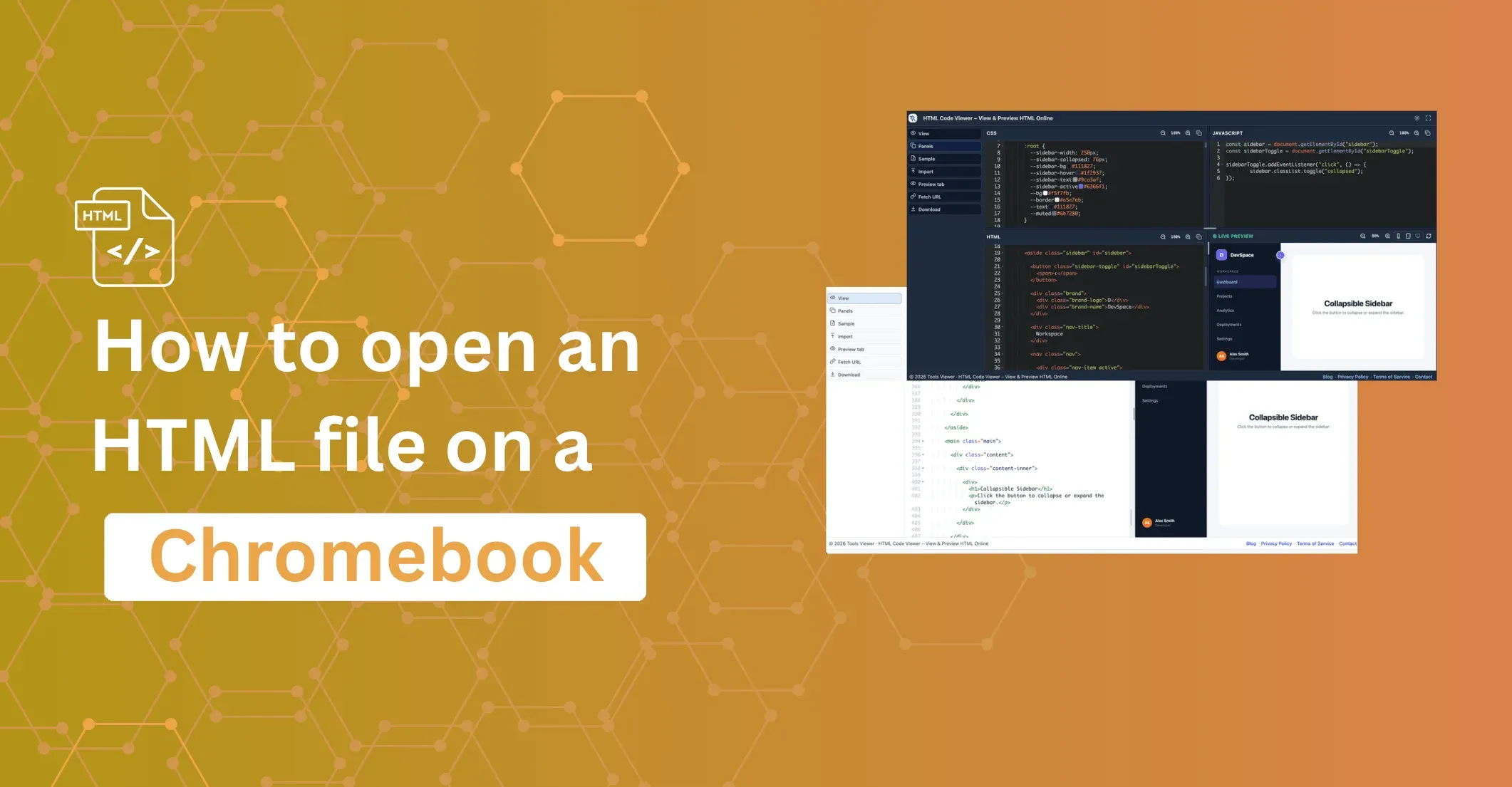
How to Open an HTML File on a Chromebook

How to Open an HTML File on a Chromebook

Open, view, and edit any HTML file on a Chromebook — no install needed. Step-by-step methods for the Files app, browser drag-and-drop, Linux terminal, and a free online HTML viewer.

Continue Reading
  • Developer Productivity
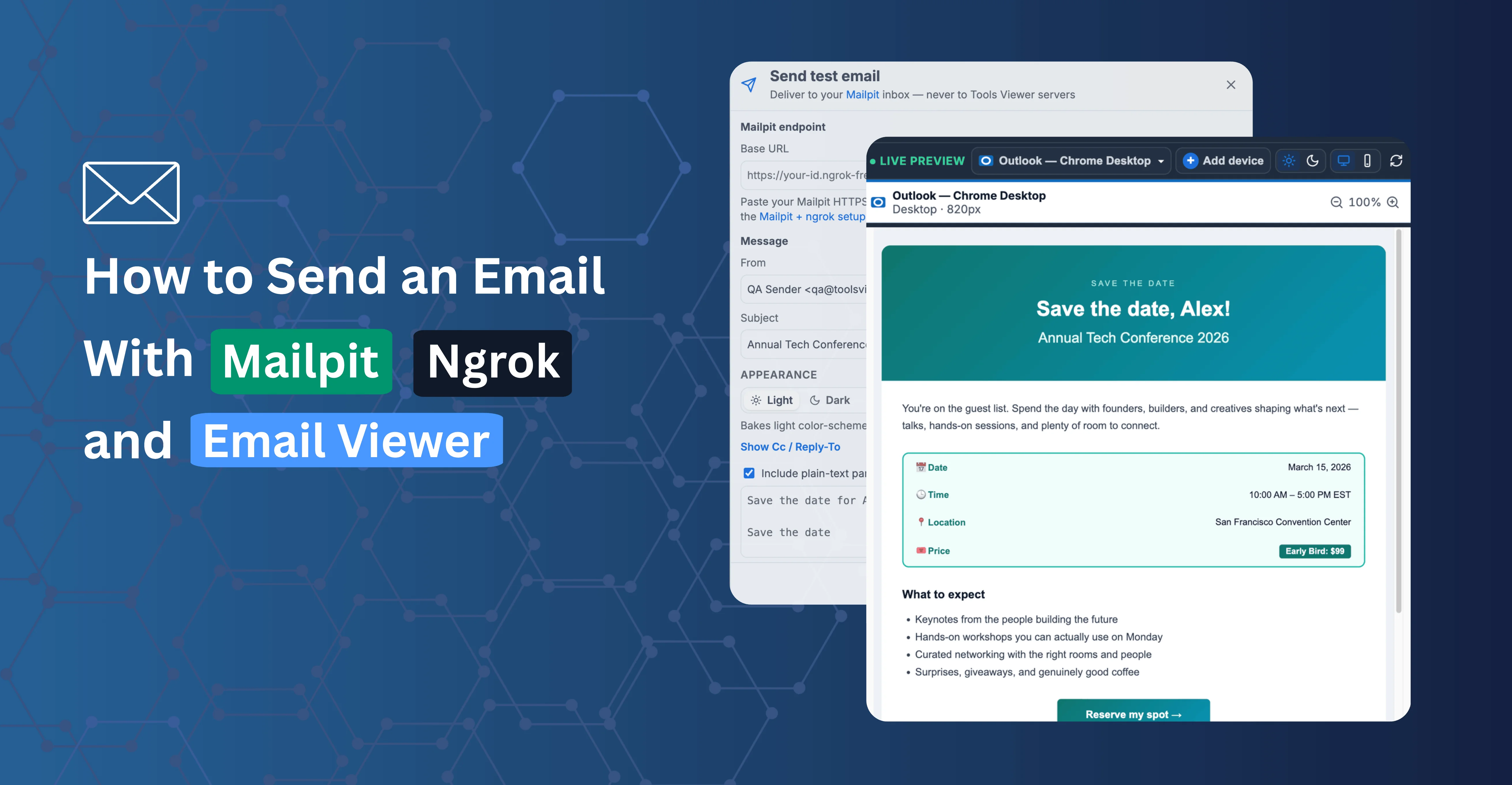
How to Send a Test Email With Mailpit, ngrok, and Email Viewer

How to Send a Test Email With Mailpit, ngrok, and Email Viewer

Set up a free local email testing inbox with Mailpit and ngrok, then send test emails from Email Viewer to check headers, HTML, and multipart structure before a real send.

Continue Reading
  • Developer Productivity
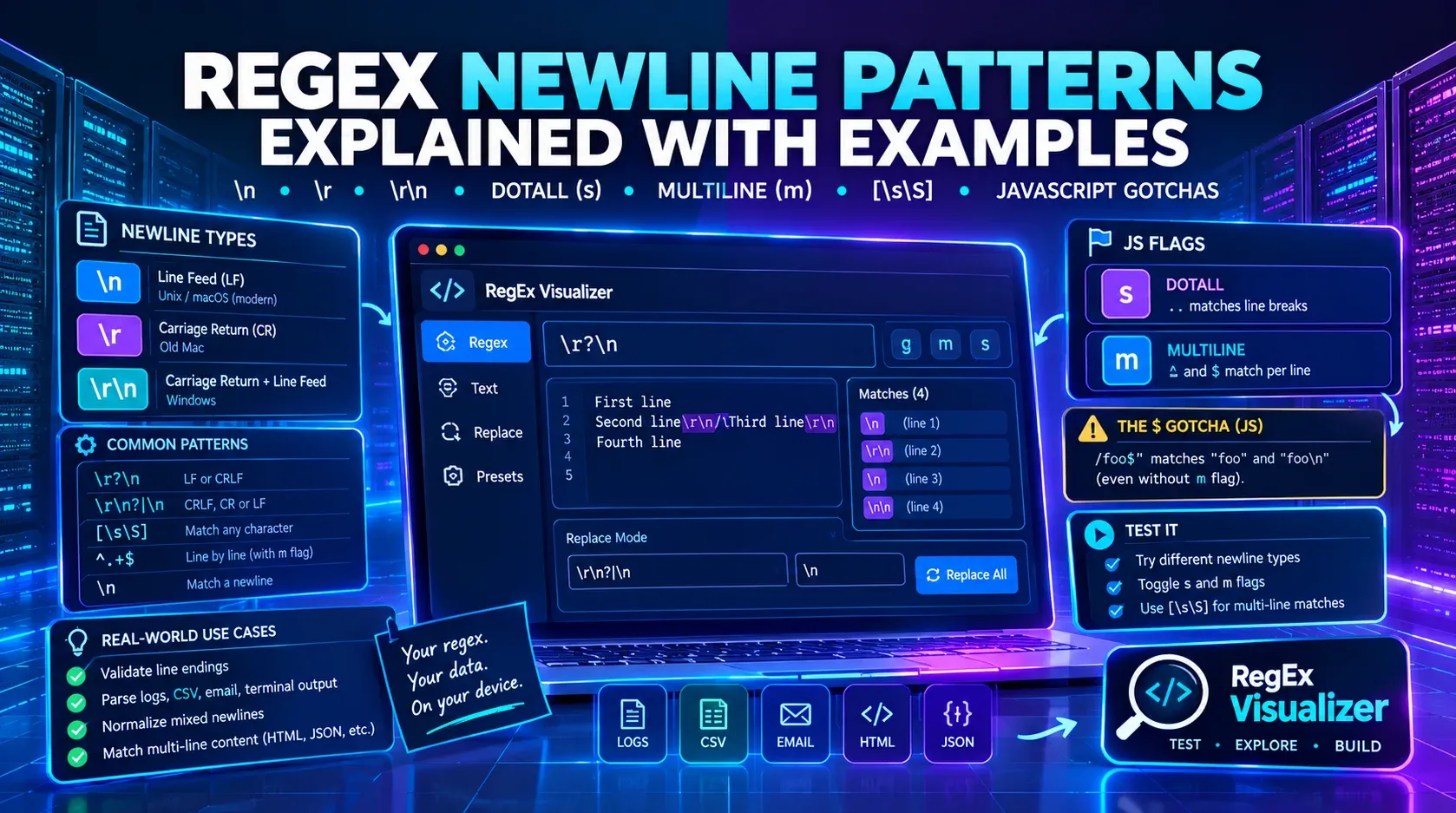
How to Match Newlines and Line Breaks in Regex (\n, \r, \r\n Explained)

How to Match Newlines and Line Breaks in Regex (\n, \r, \r\n Explained)

Learn how to match newlines in regex with \n, \r, \r\n, the s (dotAll) and m (multiline) flags, and why JavaScript's $ matches before a final newline even without m. Test live.

Continue Reading
  • Developer Productivity
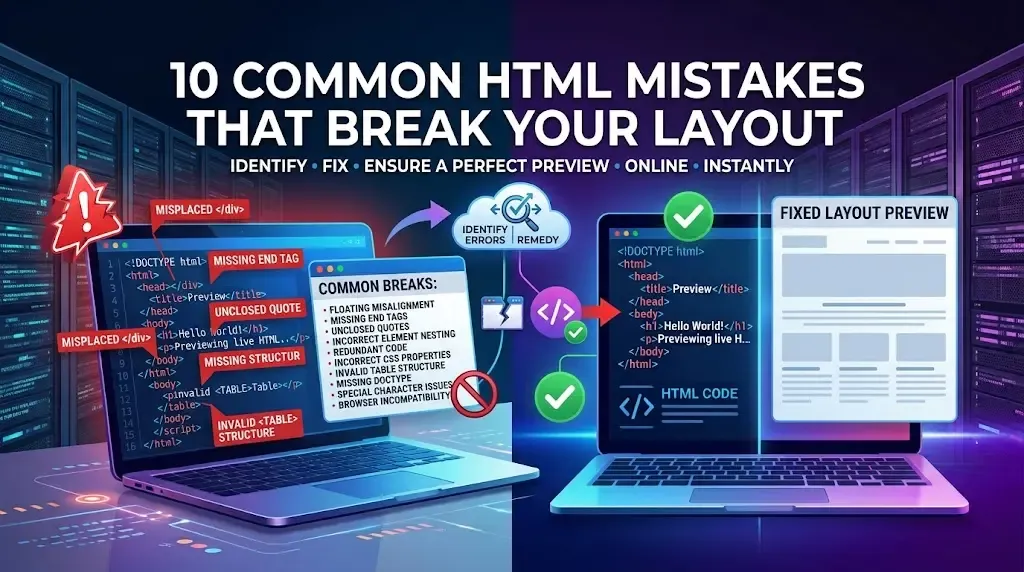
10 Common HTML Mistakes That Break Your Layout

10 Common HTML Mistakes That Break Your Layout

Learn common HTML mistakes, fix HTML layout bugs, and troubleshoot broken HTML with practical examples and useful debugging tips.

Continue Reading

  • Developer Productivity
How to Validate HTML for SEO and Accessibility Errors

How to Validate HTML for SEO and Accessibility Errors

Validate HTML online and find HTML validator, SEO HTML errors, and accessibility issues with practical tips for cleaner, more usable code.

Continue Reading
  • Developer Productivity