
Developer Guides
Learn how to use developer tools and work with common technologies through clear, step-by-step guides. Explore practical tutorials for APIs, JSON, XML, web development, data conversion, and more.
- Tools
- 5+
- Guides
- 5+
All guides
Keep the guide open beside the matching free tool.
XML Formatter Guide — Format & Convert Online
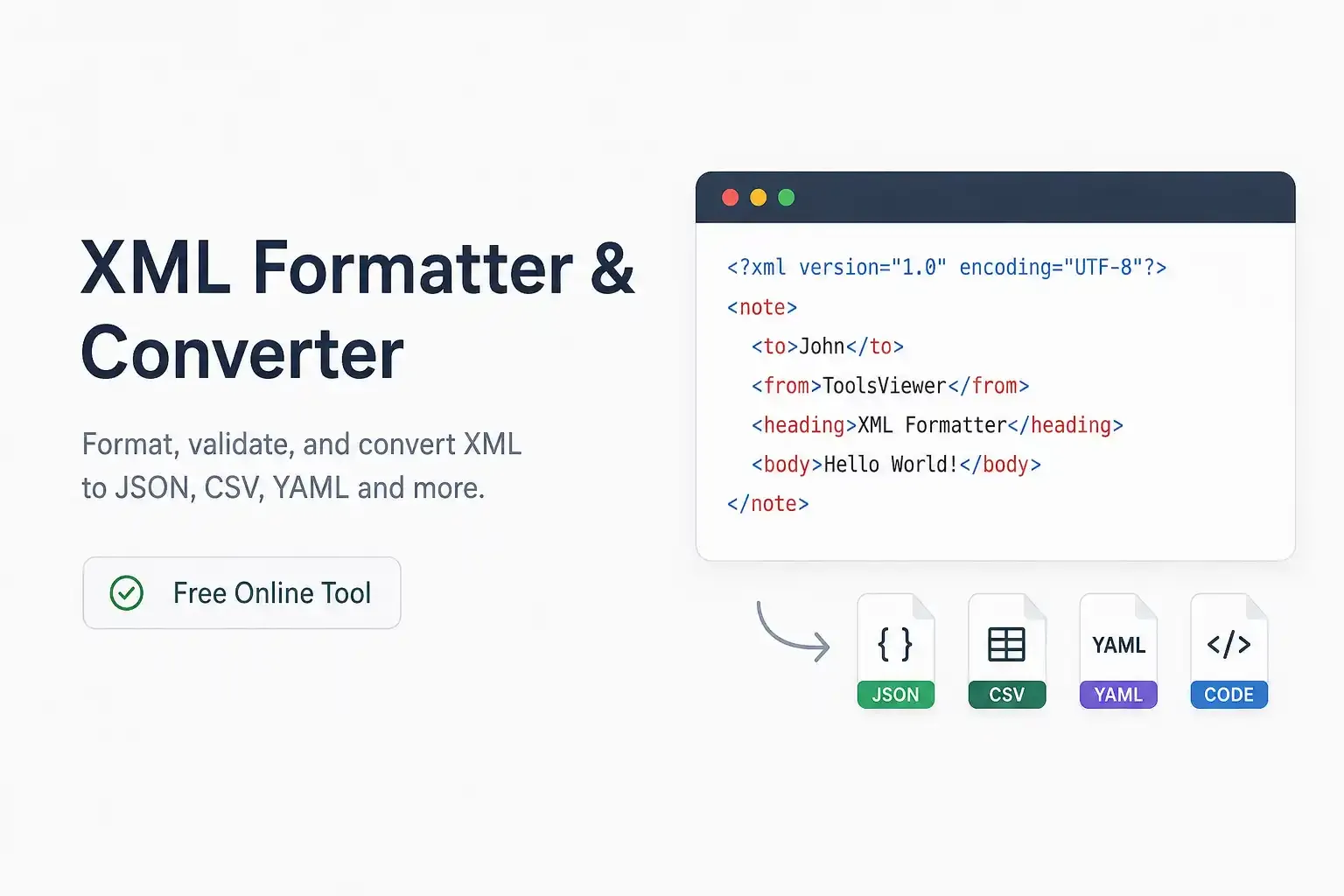
How to use XML Formatter & Converter: pretty-print, validate, minify, XPath, namespaces, SOAP/WSDL samples, compare, tree view, and convert XML to JSON, CSV, YAML, and code formats — free in your browser.
Open guideJSON Formatter Guide — Format & Convert Online
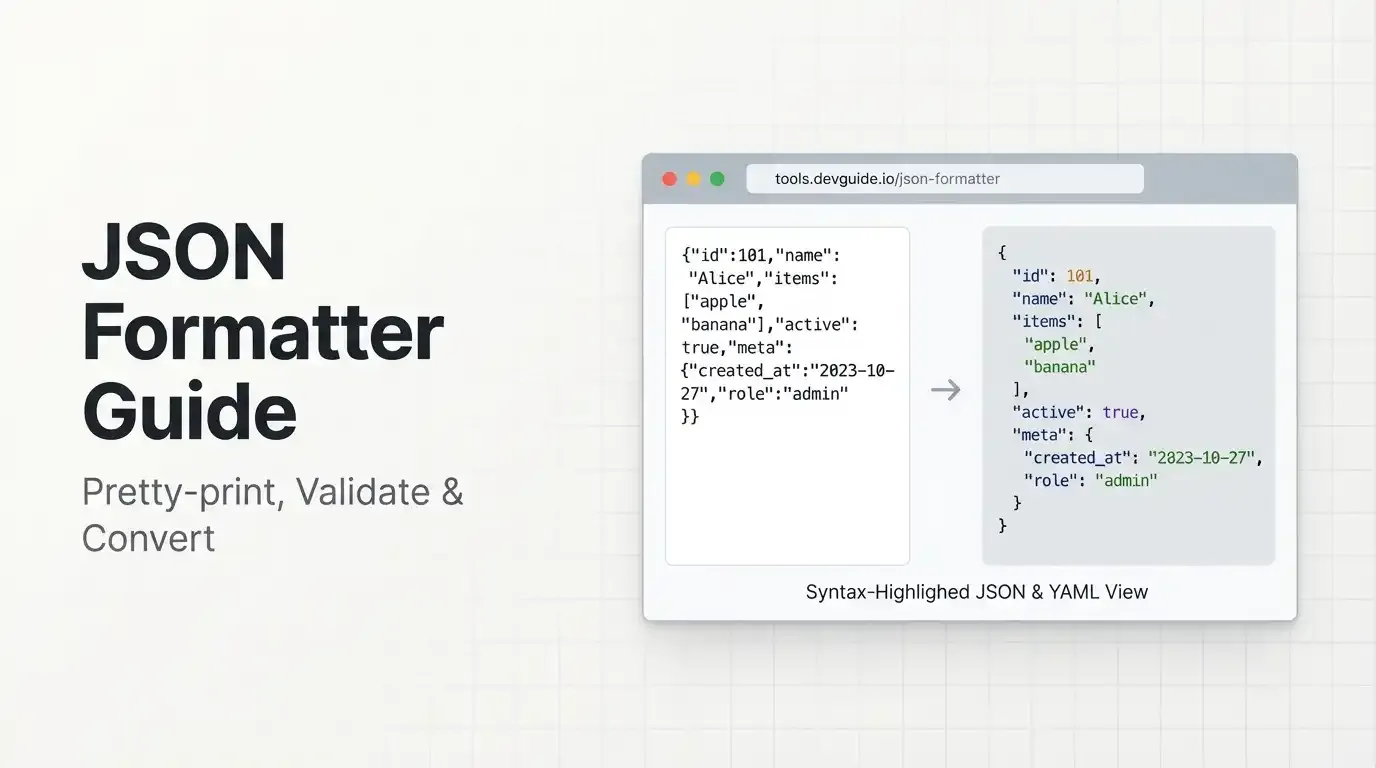
How to use JSON Formatter & Converter: pretty-print, validate, minify, stringify, compare, tree view, flatten, and convert JSON to JSON-LD, XML, CSV, TSV, YAML, and string — free in your browser.
Open guideRegEx Visualizer Online Guide — Test & Explain Regex
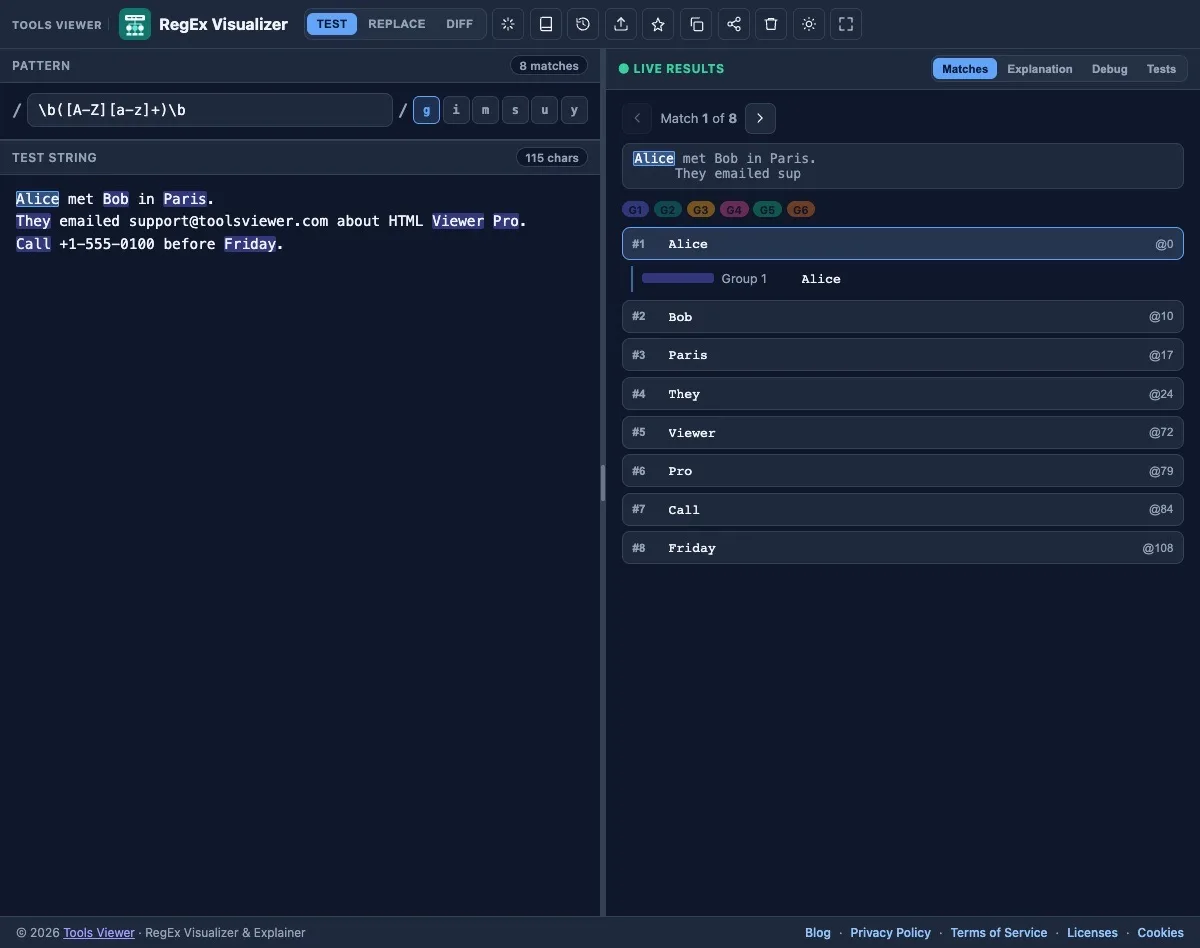
How to use RegEx Visualizer & Explainer online: JavaScript RegExp matching, live highlights, explain, debug, unit tests, replace preview, pattern Diff, history, presets, share links, and multi-language code export — free in your browser.
Open guideHTML Email Preview Guide — Email Viewer
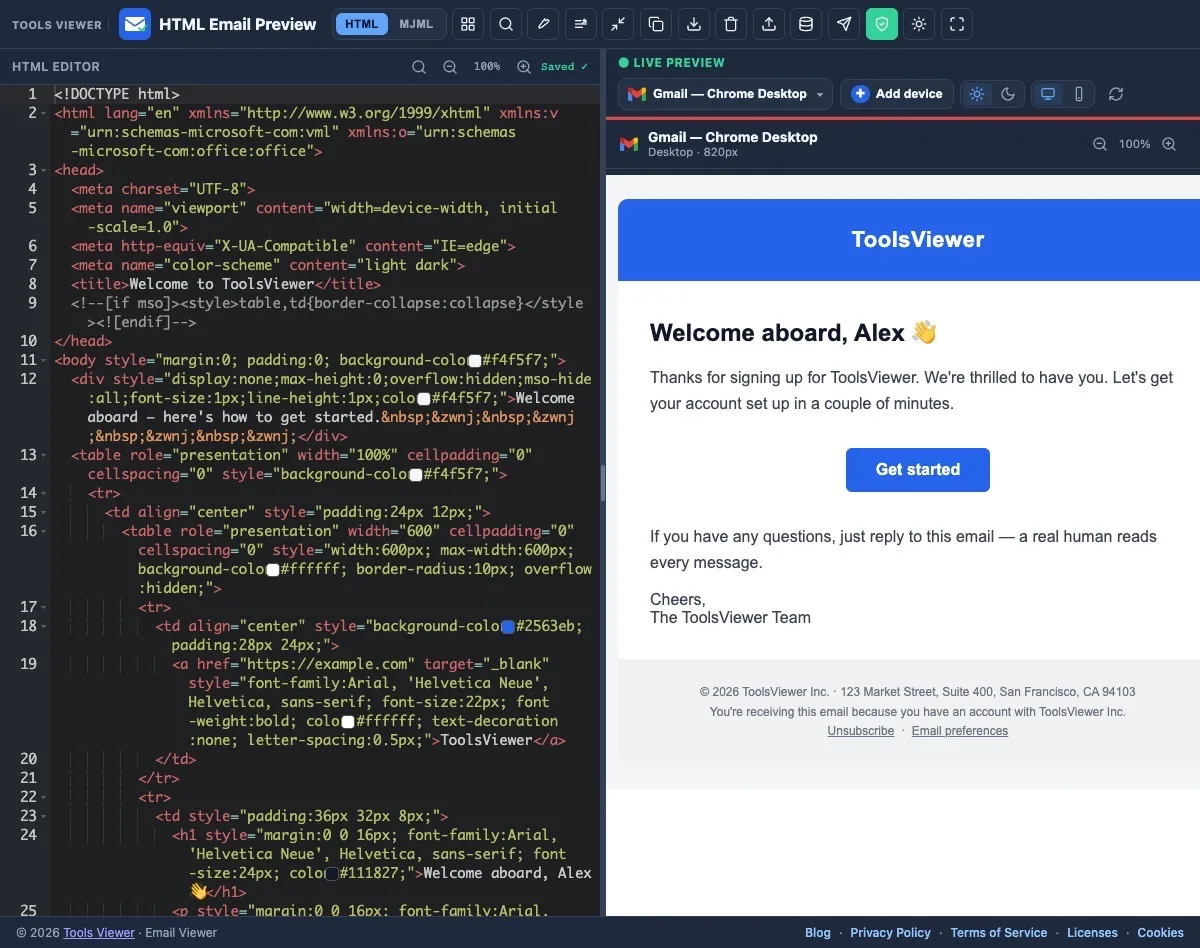
How to preview HTML email online with Email Viewer: open .eml, MJML convert, multi-client simulations, merge-tag payloads, dark mode, QA, and export PDF, PNG, JPG, HTML, or .eml — free in your browser.
Open guideHTML Viewer Online Guide — HTML Viewer Pro
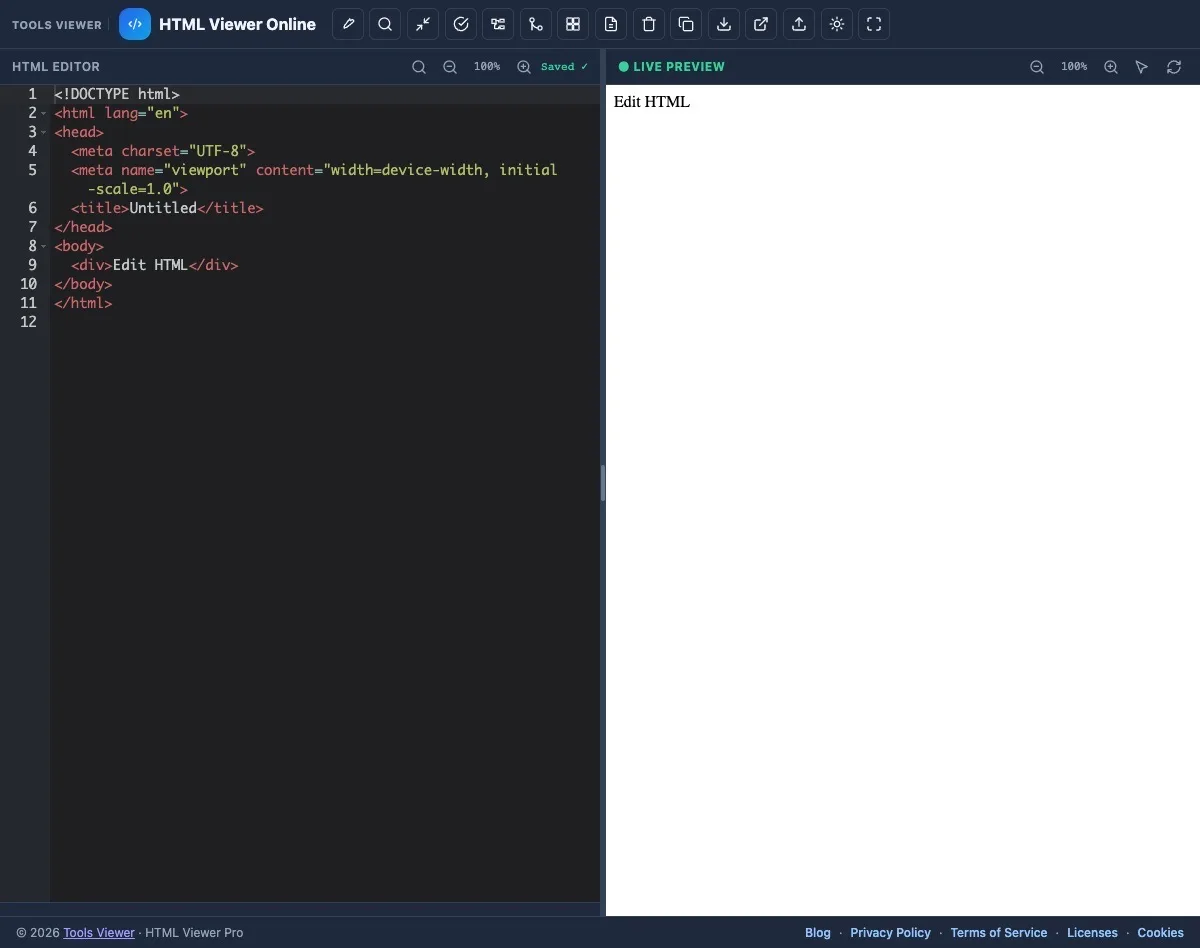
How to use a free HTML viewer online: live preview, format / pretty print (js-beautify), minify, validate, Jade/Pug ↔ HTML, Excel/CSV → HTML table, Structure, diff, and export — private in your browser.
Open guideFrequently asked questions
Which guide should I read first?
Start with a live tool guide: HTML Viewer Pro for markup preview and editing, Email Viewer for HTML email checks, RegEx Visualizer for pattern testing, or JSON Formatter for format, validate, and convert workflows.
Do I need to install anything?
No. Open the tool in your browser, follow the guide, and work online. Optional preferences stay in local storage on your device when available.
How are guides different from the blog?
Guides are full walkthroughs of one tool with screenshots of each major panel. Blog posts answer one task each, then link back into the tool so you can try the steps immediately.